Add your own title and intro here (Change this under Settings -> General -> Tagline)

Author: kwilliamsteaching (Page 2 of 2)

“I don’t know what to do” Paintings (#4)

This week, I found myself at multiple fun painting events that my coworkers were holding. At each one, I ended up staring at the canvas and not knowing what to do. I really wanted to participate, but I was at an impasse of not knowing where to go, what colours to choose, or what design/picture to paint. Clearly, I am not the only person to ever have this dilemma, so I wanted to focus this post on what you can do to get that creativity and inspiration back and finally figure out what the heck to paint.

The first technique is pretty simple and that is just to use the technology around you and google simple painting ideas. My technology was my phone and the use of my Pinterest account. I find that Pinterest produces much better results than Google, but Google will work in a pinch if you do not have a Pinterest account. If you are interested in creating a Pinterest account, I highly recommend it because it truly is a fabulous site for all sorts of things, such as artsy ideas, new recipe ideas, and so much more! Anyway, back to what I was saying. Asking Google is always an option, but if you want to go more high-tech than that, you could ask an AI generator to give you ideas. If you are looking for low-tech, you could ask someone sitting around you, but in my experience, their suggestions tend to be above my capability.
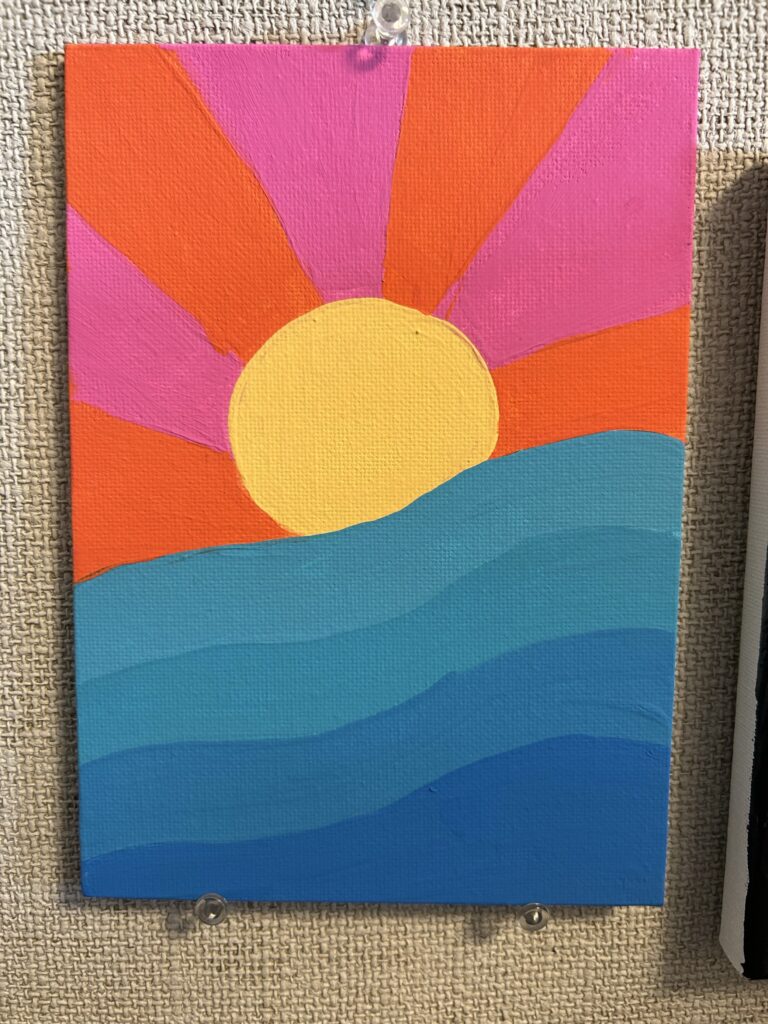
A pic of my Pinterest-inspired painting. It is simple because that is all my brain could handle after a LONG day. I might add to it later by adding zentangle-like designs with black Sharpie.

Another way to bulldoze the art/creative block is to simply start painting. With the painting below, I had no idea where to start and the internet had already failed me. I found a few colours I liked -baby blue, light blue, medium blue, dark purple, light purple, white, and gold- and I just started painting the whole canvas the light blue. I made the corner medium blue, and with no more inspiration, I painted the heart and the big sun. I then added dots and the light purple rectangle and the idea had formed. I was going to add random shapes and things chaotically and hope to everything that it turned out ok-ish. I still had a little bit of brain block, so I asked my friends/coworkers for shapes that I could add and, as expected, I got weird math-type shapes that I could barely spell, let alone paint. Eventually, I was able to strongarm enough inspiration to add all the different shapes and colours, which was really enjoyable. By the end, I could look at it and be happy with what I created and proud of my victorious win against art block. The moral of the story is that sometimes you just have to start and force creativity rather than waiting for it to come to you. Eventually, an idea will come, and from there, you are set!
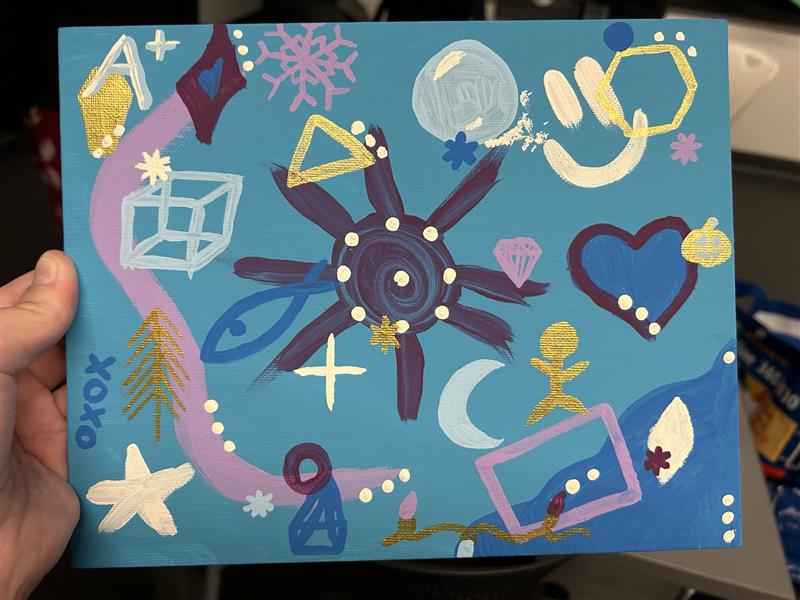
This type of painting can also be done with students where they choose their own colours and shapes and design their very own EYE SPY painting/game.

Eye spy a fish…

.

Thanks for joining me on this artsy fartsy adventure,

-Kristen
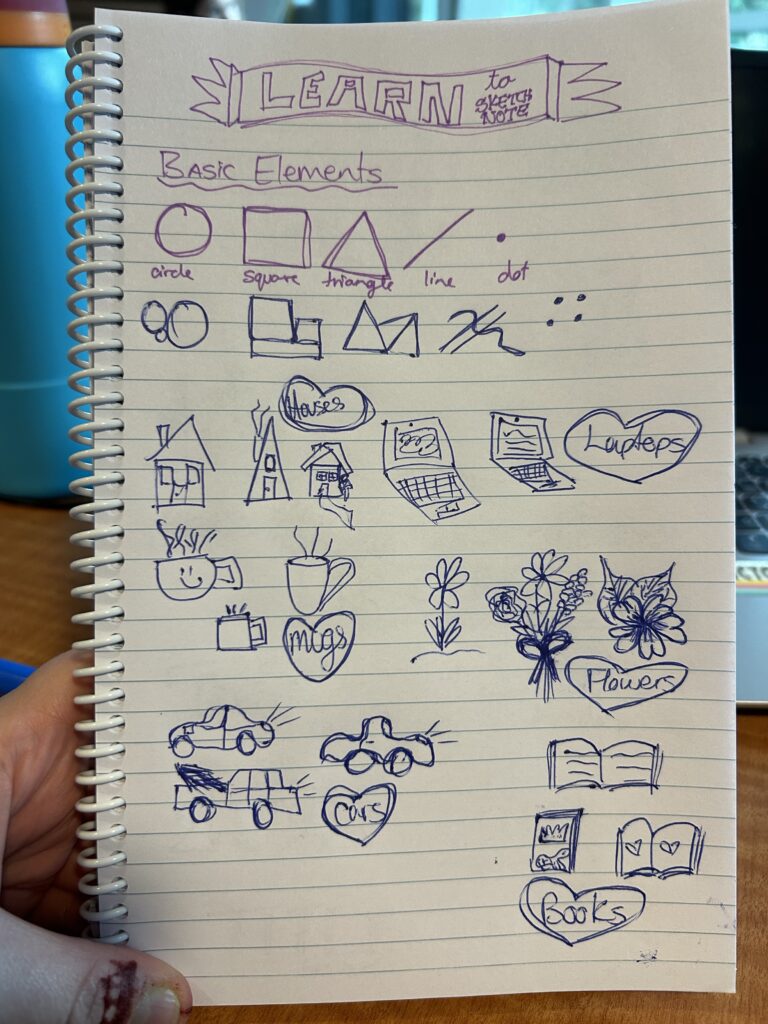
Sketchnoting and Intentional Technology: Topic 7

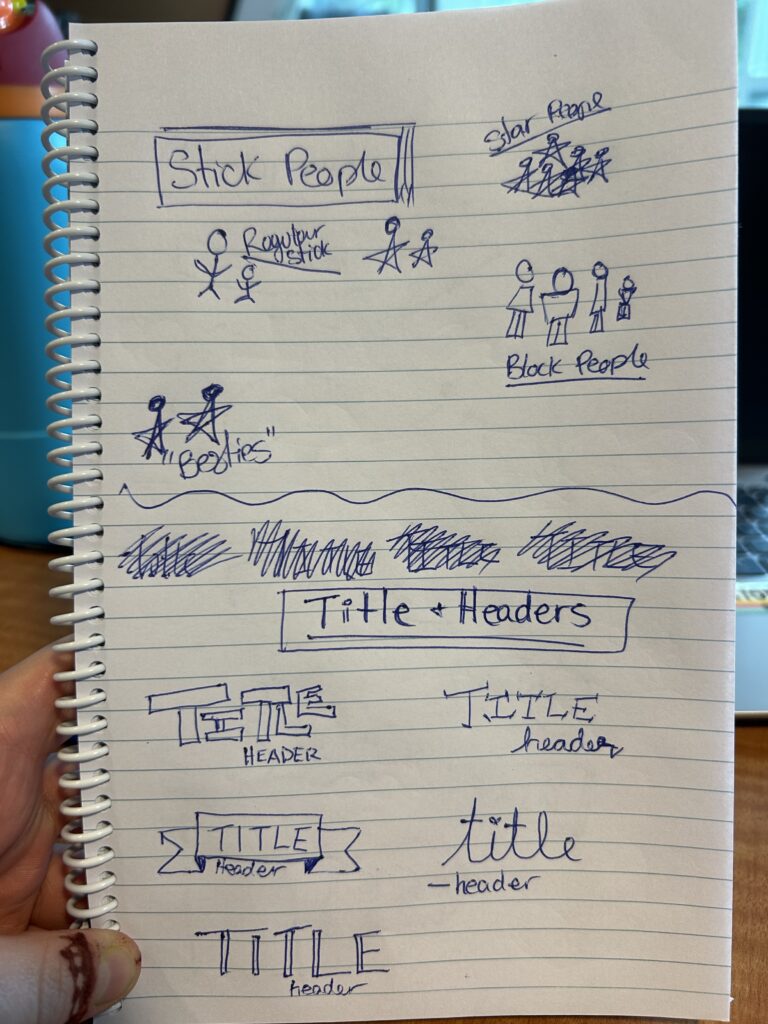
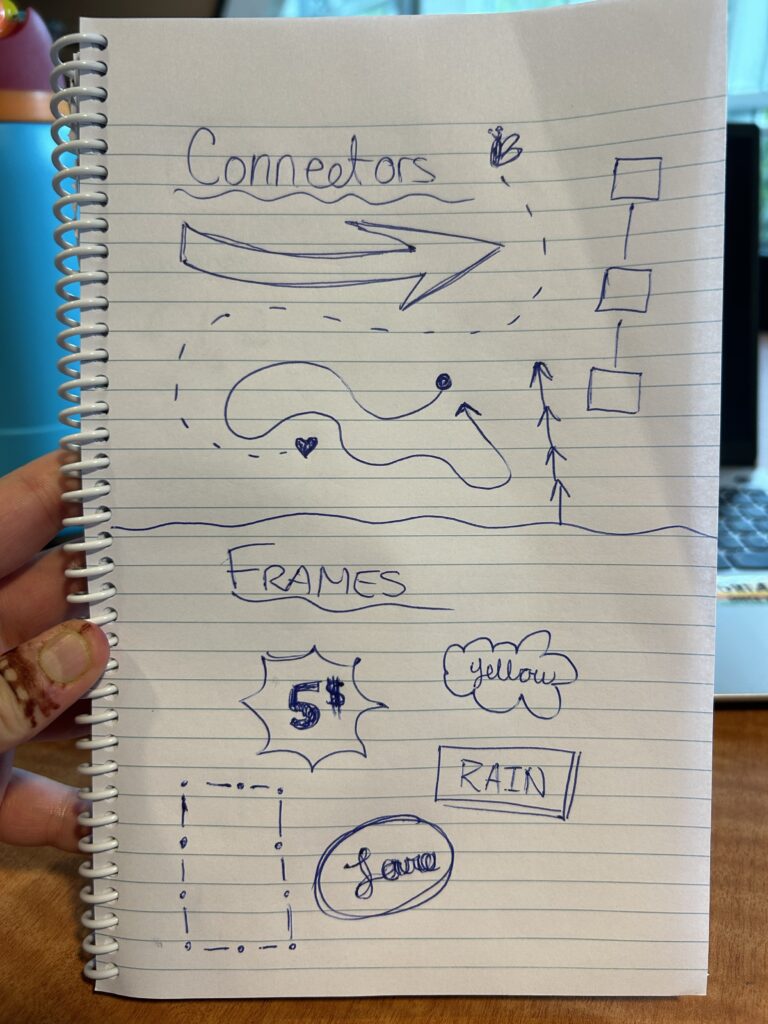
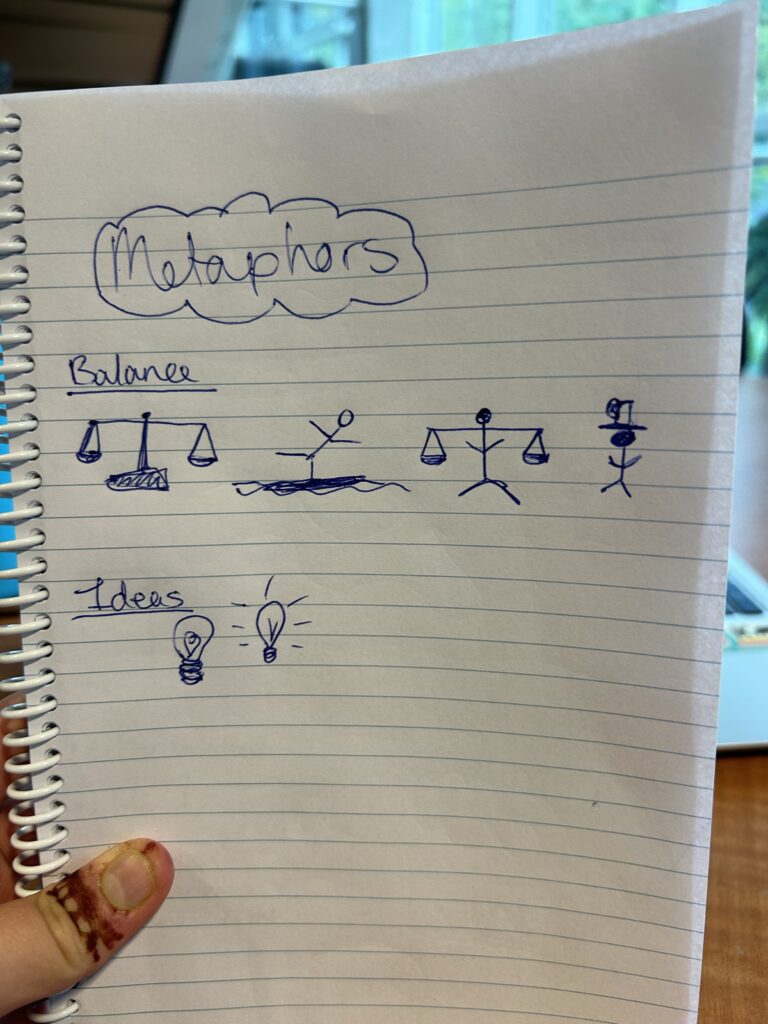
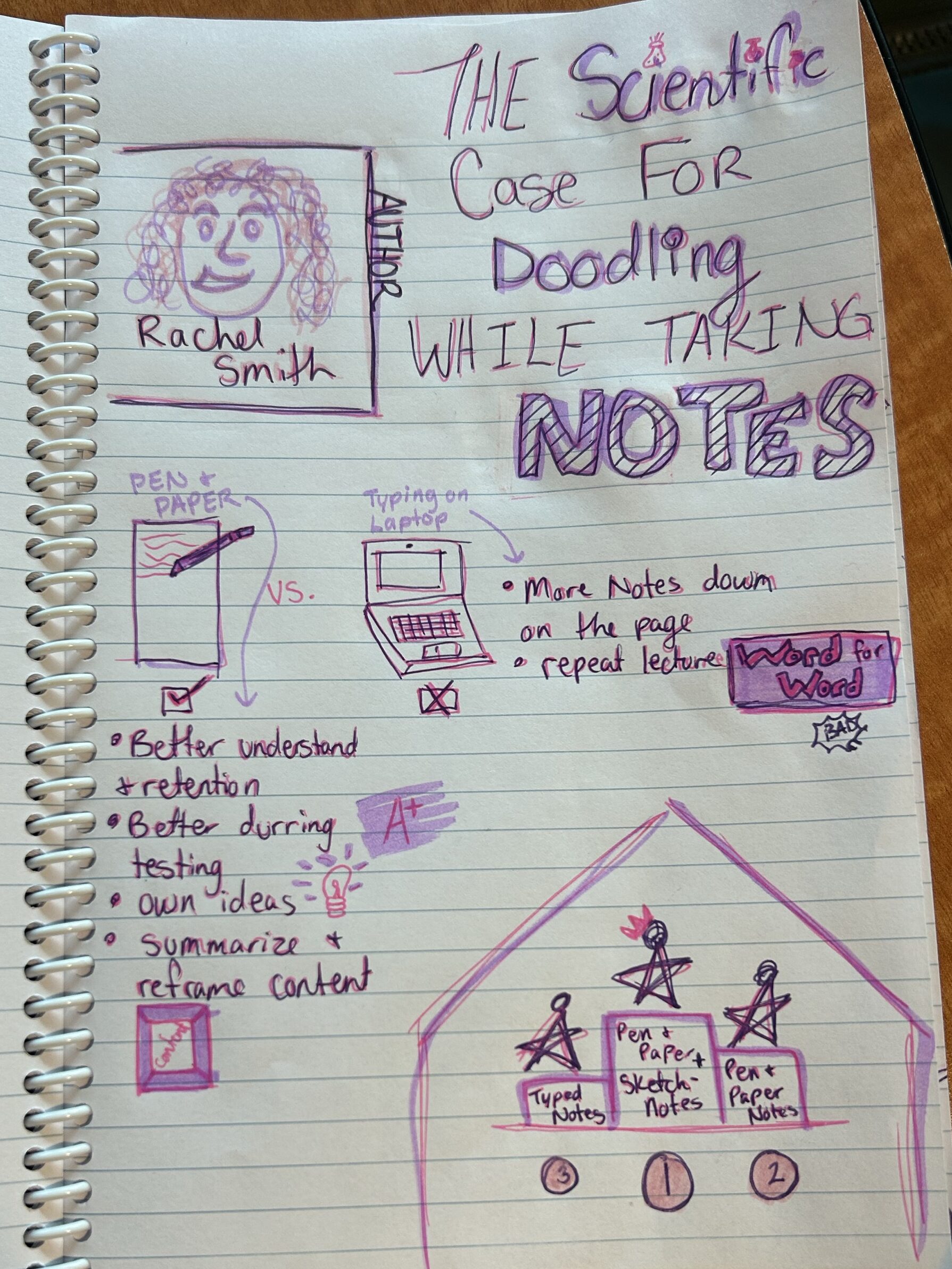
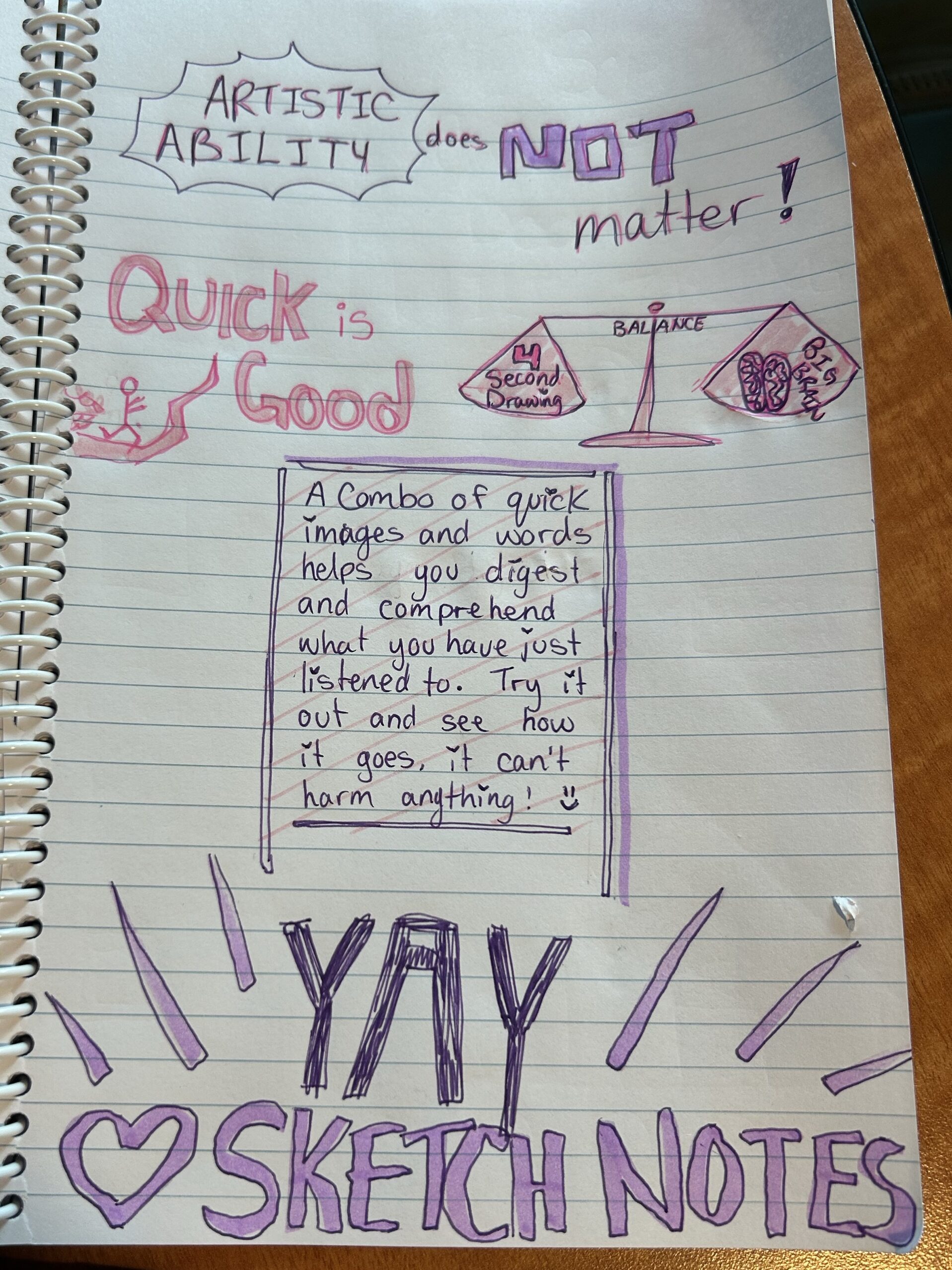
Sketchnoting is something that I know quite well; it is stuck in my head due to events that happened while my English 11 class was covering this unit. I can confidently say sketchnoting is the largest of the few things I remember from English 11 because halfway through our term, the lovely COVID-19 hit. With this being the last unit before the nothing during quarantine, it has latched itself inside my noggin. That being said, I do love sketch notes. I find it super useful for myself as my brain works better when there are colours and pictures to connect to the text we are learning. It has taken a long time since high school for me to be able to consistently utilize sketch notes because I would always get in my head and worry about the quality of the pictures and if it was up to the high standards that my high school English teacher set. Since coming to university, I have let go of those worries and remembered that the whole point of sketch notes is to help your own brain and not worry about nonexistent rules

Below, I have included a few pictures of different sketch note elements and how those elements can come together to create sketch notes based on an article titled The Scientific Case For Doodling While Taking Notes.

In my grade 5 L2P class, I believe that sketch notes would be super beneficial because nearly every kid in the class loves to draw and doodle during free time and read-aloud time. They are still learning how to take notes when reading or listening, and if we get them started on sketch notes now, they will gain the skill and confidence through middle school and into high school. In high school and university, note-taking is vital to understanding what you are learning and how to study for tests and assignments, so having the fully developed skill would give them a leg up over students like myself, who were not good note-takers going into high school and university. Using the art that they already love to make sense of new and confusing topics would be an easy way to broach note-taking in differing forms.

___

The TPACK model could help me choose the best technology for each situation by making me stop and assess the three main types of knowledge and their intersections to determine what will benefit the most. The three types of knowledge are Technological, Pedagogical, and Content, each of which is essential in determining the best route for your students. The specific group of students and the teacher’s teaching style will also heavily affect what is implemented because they are the context that shapes everything. TPACK is a great way for teachers to assess their own teaching and how well they integrate technology that I look forward to using in the future.

.

Don’t forget to come back for the next post,

-Kristen

The Art of Cake Decorating (#3)

For this week, I have chosen a form of art that some might contest as being art.

Cake decorating is, in my humble opinion, definitely an art form because although it seems simple, it is far more challenging than expected. An example of this is hyper-realistic cakes. Baking can also be considered an art form as it takes precision and practice.

For this mini-project, I decided to decorate two mini-cakes, one in a heart shape and one in a square shape. I am using the recipe AI suggested in my Topic 4 post, which is a lemon blueberry cake with lemon cream cheese icing. My plan going in is to do the old-style lace icing for the heart-shaped cake and the modern minimal icing and fruit for the square cake. I am writing this aspect before attempting to create this, so by the end of the post, we shall see how well it goes.

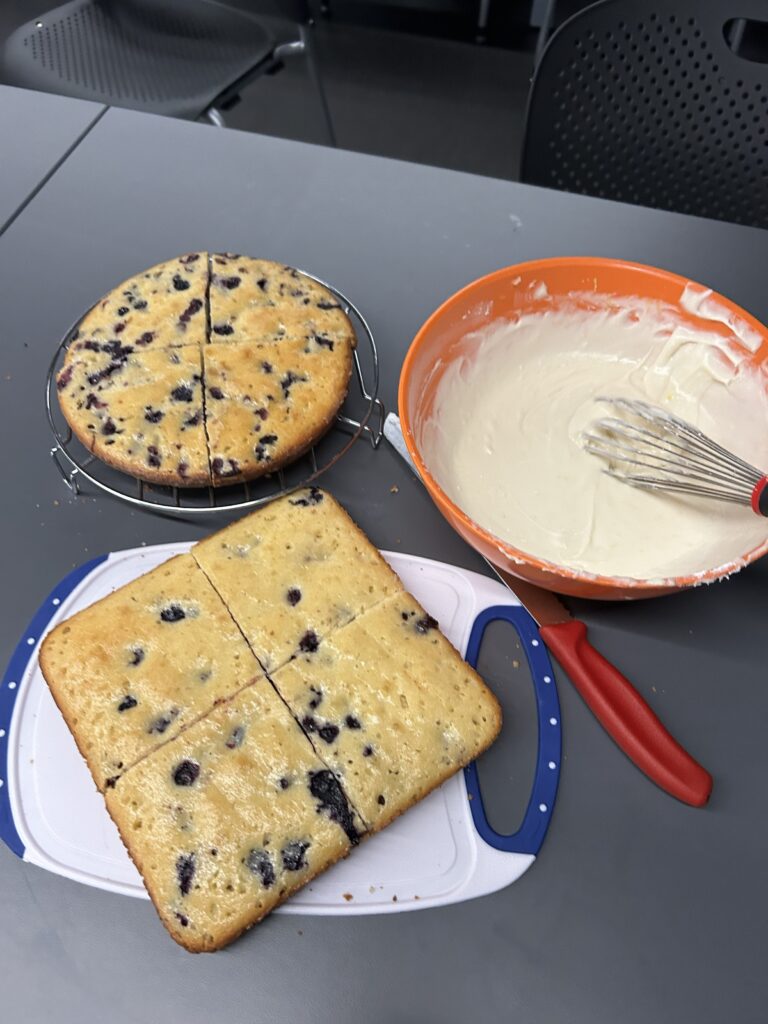
I started by baking the cakes according to the recipe (mostly), with one in a square shape for the square cake and one in a circle shape to make the heart. I made the icing next as the cakes were cooking (the icing was to die for). Then, after letting them cool, I cut each cake into four pieces.

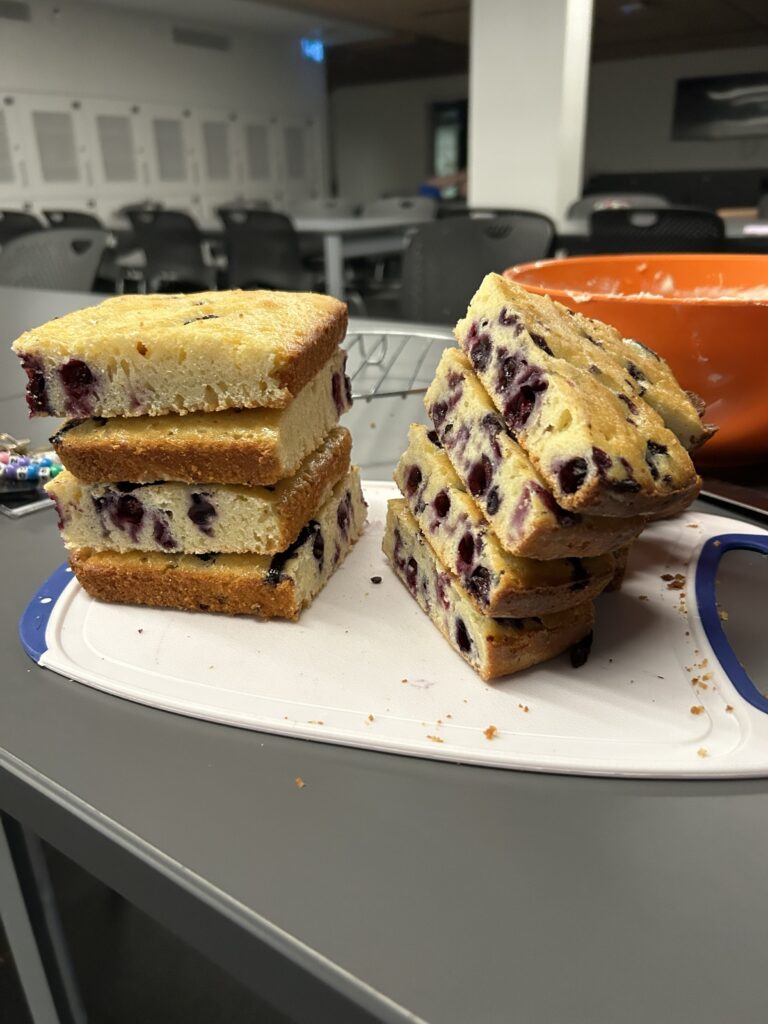
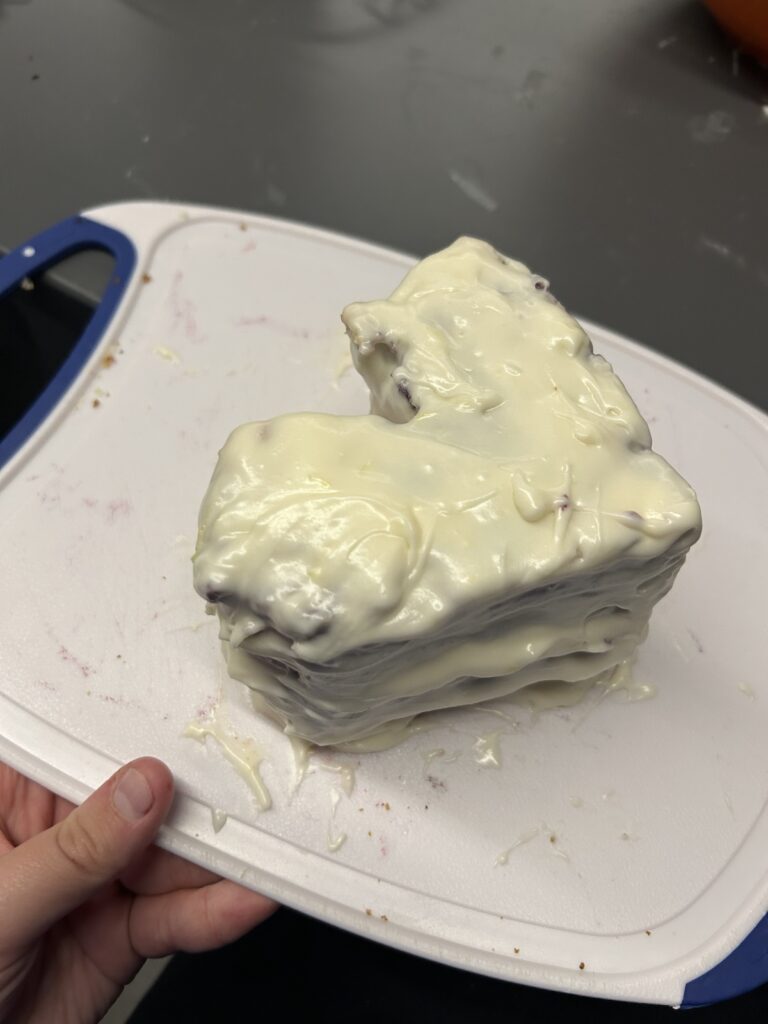
I stacked the cake pieces to see if they were going to be the right height, and they were, but this is also where I ran into my first speed bump. As you can see in the picture, the round cake pieces do not stack well because they are thicker in the middle than on the edge, making it tilt more than the Leaning Tower of Pisa. To combat this I ended up slicing the domed parts of the cake before stacking.

I also cut triangles out of the top of the round pieces to make the heart shape. I then used the icing I made to put in between the cake layers. This is where speed bump number two comes in. Unfortunately, the weight of the cake layers and the softness of the icing meant the icing got squeezed out from between the layers despite my persistence to get it to stay.

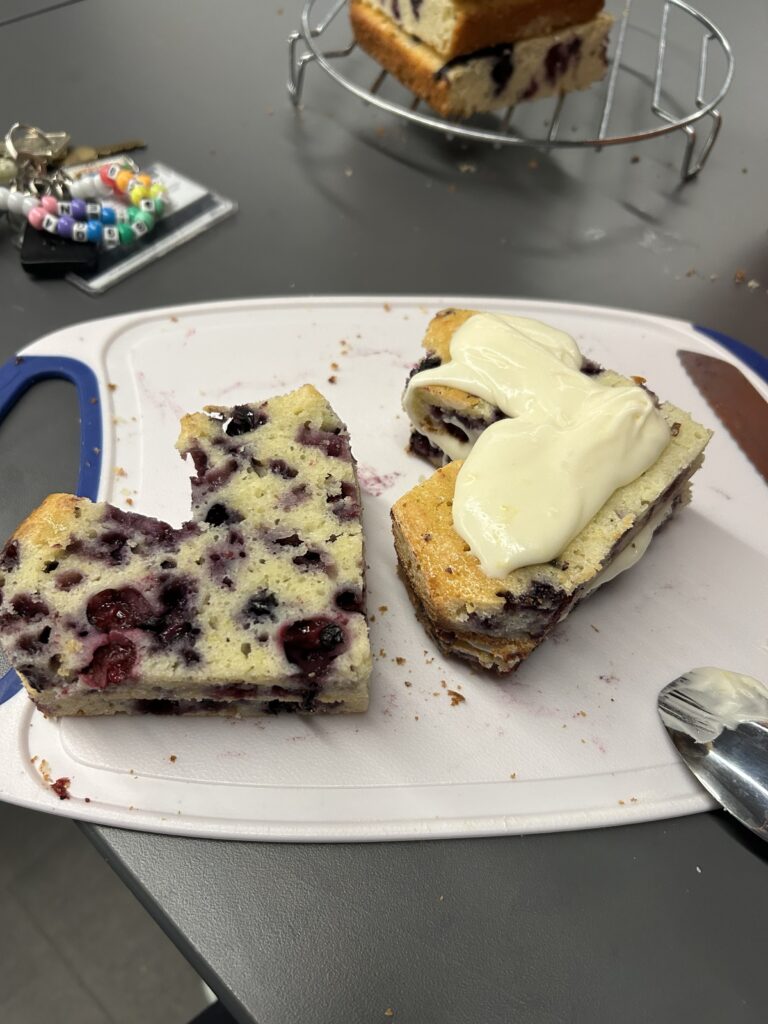
Eventually, I gave up on the icing between the layers issue and just tried to get the entire heart iced. This was significantly harder than anticipated because the icing was runnier than it needed to be for what I was doing. I did get the heart cake iced, although it did not look very visually appealing. Speed bump number three came when I tried to create the lace detail for the heart cake, but once again, the icing was way too soft. Every time I tried to make little bumps, it would just droop down the cake.

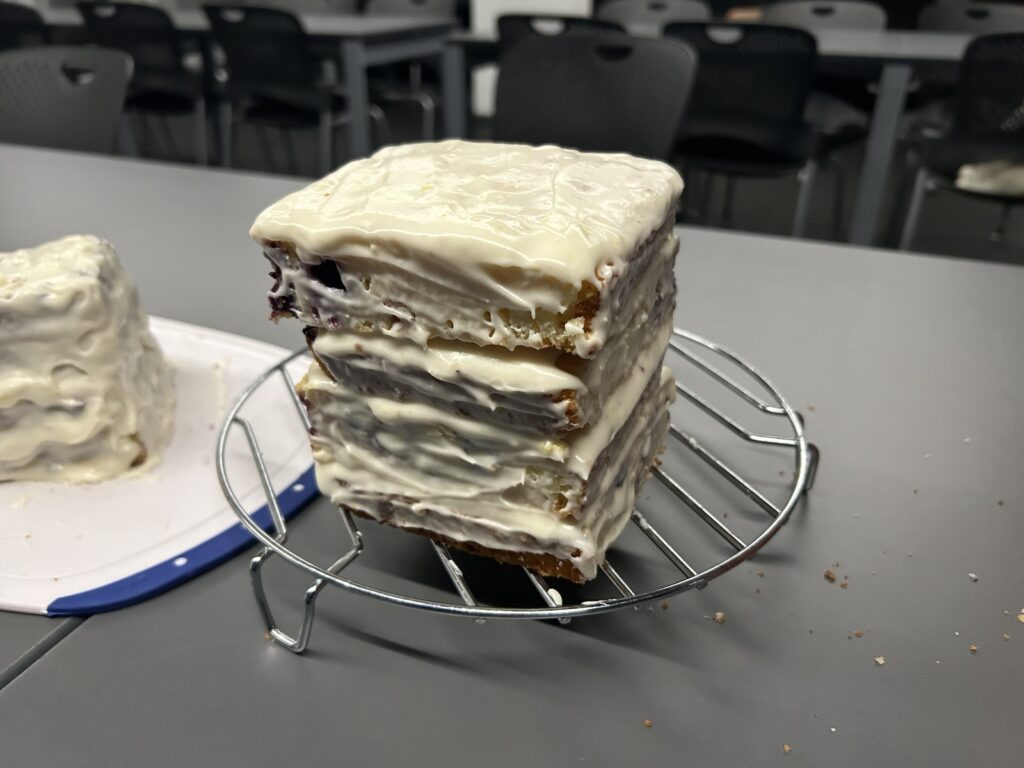
Since I was at my wit’s end with the heart cake, I moved on to the square cake, where I once again ran into the icing being too soft between the layers. It was ok, though, because I was able to use the droopy icing to get the smear look I was going for on the sides, sort of.

I did end up covering the sides of the square cake with more icing, however, because I had a lot of it leftover from not doing the lace on the heart cake, and I personally prefer to eat cake with a strong ratio of cake to icing.

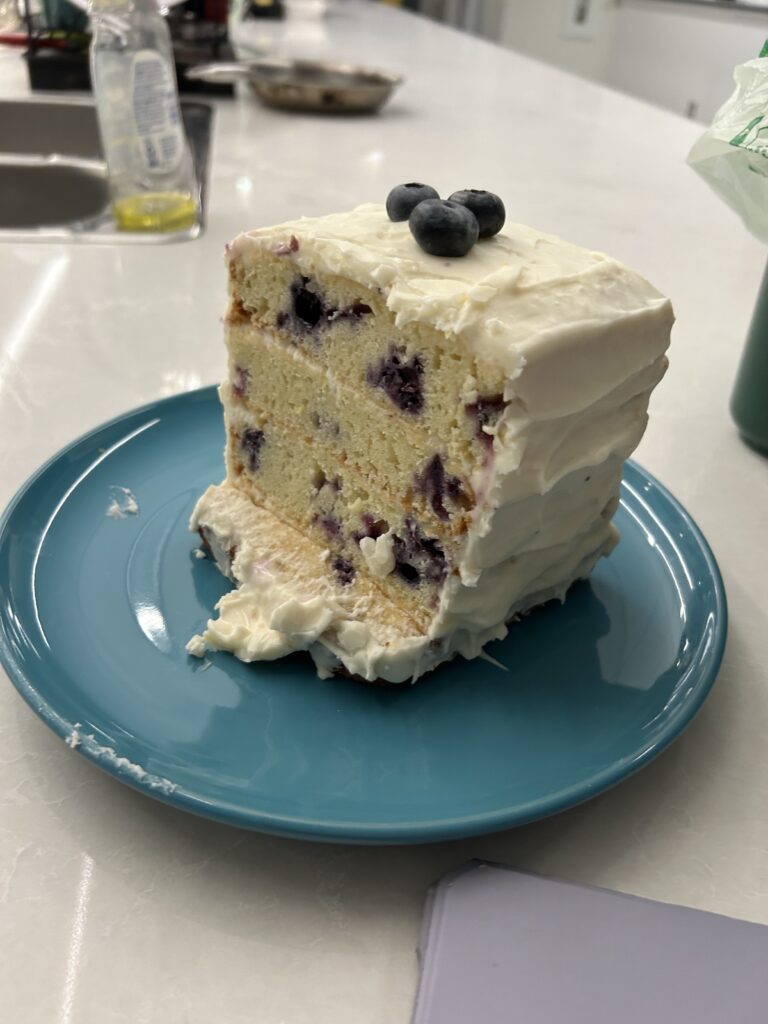
The picture to the right is of the square cake the day after I finished icing it when I was able to cut it and share it with some friends.

All in all, this was a fun way to explore the art of cake decorating, even though it absolutely did not go as smoothly as I had planned. This made me appreciate cake artists SO much more because although it was fun to do, the struggle was real. It takes so much practice and talent to pull off the gorgeous cakes that professional bakers do, and I believe their type of art should get more recognition than it does.

I would like to report that I was told by a few friends that even though the cakes may not have been lookers, they tasted delicious, which I am super happy about. I will also add, and maybe boast, that the lemon cream cheese icing recipe that I used is something both my coworker and I would eat by the spoonful; it was so good!

It was a really neat experience to use AI to find a new recipe, and because it worked out so well, I think I might use this technique in the future when I want to try something new! Maybe AI and technology are better than I thought and more versatile after all.

All is well that bakes well,

-Kristen

3D Design and Printing: Topic 5

Admittedly, I am very new to 3D design and 3D printing. My technological skills and knowledge are still heavily on the learning track. For this reason, I am personally a lot more wary of using 3D printing in an elementary classroom.

I believe that 3D design has a spot in a grade 5 classroom, but I am not so sure about 3D printing. 3D design could be worked fairly easily into different subject areas like shapes/geometry in math, living things and cloud formation in science, and character design in language arts. Since it can be combined into other units, it is not taking any time away from other subjects but rather adding to them. It is also beneficial for students to be able to conceptualize and visualize things in 3D as it will crop up later in their schooling.

An excellent example of using 3D design across a different subject area is incorporating it into a social studies unit. Similar to the activity we did in our tech class, my L2P class worked on the spaghetti marshmallow tower challenge, but it was different because each group had a set of instructions for how they had to organize themselves. Each set of instructions depicted a different type of government – democracy, dictatorship, oligarchy, and anarchy. The kids did not know this at the time, but as they attempted to build their towers, their actions were influenced by the leadership style and at the end of the activity, this was explained to the class. I am generally not a fan of social studies, but doing an activity like this with the class gave me a new perspective on it, and I found it really useful to use the 3D design elements to broach a non-favoured subject. It also made a clear point to the students about different types of governance and what they mean. Here is a link to the lesson and activity.

When it comes to 3D printing, I believe that it is really cool to do and play with, but I do not think it is necessary in an elementary school. In elementary school, there is so much that students need to know before they move up to middle school that should take priority. When students get to high school or maybe middle school, it would be better because it can be incorporated into a computer or technology class that is more specific to the learning around it. Elementary school students are still relatively young to properly utilize and respect tools like 3D printing. Another point against 3D printing in elementary schools is simply a cost and accessibility issue. 3D printers are notoriously expensive and not something that many elementary schools would have room for in their budget. The elementary school I am in for L2P receives minimal funding as it is, which barely stretches to cover everything students need, like support aids and does not have extra money for technology tools like computers or tablets, let alone a 3D printer.

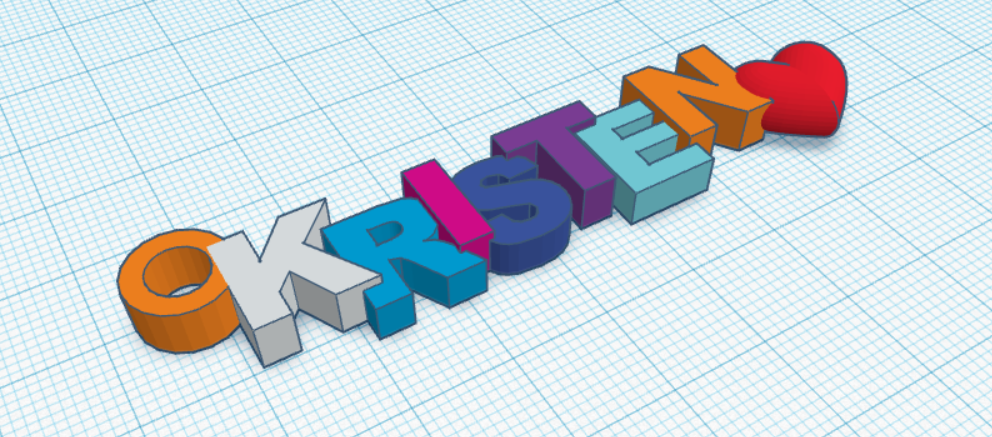
On a different note, however, learning to design and print a keychain with my name in class was super cool, and I am glad we got the opportunity to try it. I have included a picture of my design below and a video of how I created it; it is simple but still pretty cool, in my opinion.

It was tricky at first because I had absolutely zero idea what I was doing, but as I continued to play around and follow a few step-by-step guided videos, it became easier and more fun. Admittedly, this could pose a challenge for someone who struggles to visualize things in 3D and can’t mentally rotate objects but that is where programs like Tinkercad can come in handy. It can help develop any 3D perception/visualization skills that may be lacking.

Catch you on the flip side,

-Kristen

Generative AI: Topic 4

Gen AI is such an interesting concept to me because, in some ways, it can be helpful and beneficial, but on the other hand, it can be used to cheat and skimp on actual learning.

When not attached to schoolwork, I find AI to be interesting because there is so much that I do not know about it and there is so much it can do. For example, I asked Microsoft Co-Pilot to “make me a funny picture about AI” and this is what it popped out.

copilot.cloud.microsoft/?fromcode=bingchat&redirectid=FD53339E53ED4E23AB698A4BE7ACD7DC&login_hint=kristenbwilliams%40uvic.ca&auth=2

Similarly, during our class activity time, when we were tasked with asking AI a simple general question and then expanding to a more specific question, the questions I chose also demonstrated a good non-school use of AI. Example below in the form of a screencast.

Whether using it for picture creation, learning new recipes, or asking about the weather, AI can make searching and learning easier and quicker! This can be beneficial in the classroom but may pose some drawbacks.

My current L2P class is in Grade 5, and I do not believe there is a reason they should necessarily be able to use AI freely. I do believe that there is a place for AI in this classroom, but only as a teaching moment or a group search led by the teacher, taking into account what my L2P partner commented on my last blog post about working new technologies into our classroom. What I mean by this is that it is good that the students are taught about programs like Chat GTP and Microsoft Copilot, but they must also be taught how and when to use AI safely. Most students will have access to or stumble upon AI platforms on their own, so teaching them how and when to use them is vital. An introductory activity or use of AI in the classroom could be if the teacher opens an AI platform like Microsoft Copilot on the big screen and, together as a class, researches a question or plays with image creation. I do not believe it is appropriate for students this young to use AI on their own because they cannot properly notice or asses possible risk factors and it would turn into more of a distraction then a learning tool. With more education behind it, I believe it can be used more for middle school students when it comes to idea generation, simplification of text, or research purposes.

Personally, I do not use AI for writing my schoolwork or answering test questions, partially because I do not know how to use it but also because I believe in doing the work yourself and proving to yourself and your teacher/professor that you actually know what you are doing/talking about. On the other hand, I do not judge people who use it for whatever purpose because everyone is on their own path, and AI can have positive benefits as well as negative. In the past, I have used AI to re-explain a piece of text that was not clicking and create a mind map to use to assess what I was looking at. The redefining task worked well and gave me a better understanding of my topic, but I found that when asking it to create a mind map, it became more confusing and unhelpful than how I had started.

As you can probably tell, I have pretty mixed feelings about the use of AI in schools and maybe it’ll get clearer in the future after more learning on my part and my thoughts will evolve.

See you later AI-ligator,

-Kristen

Perspective drawings (#2)

For my first mini-project in my Free Inquiry of ARTS, I have chosen to do a new activity that I learned in my Link2Practice classroom. This activity is called “Perspective Drawings,” and it is very simple to set up and run, but the impact and potential for cross-curricular usage is vast.

The first step of this activity is to find a class of willing students, or in my case, a group of minorly coerced friends to participate. Next, you hand out the supplies, which are a piece of paper and any writing/drawing/colouring utensils that each person wants. You then explain the rules (or lack thereof) for the activity. Once everyone has their supplies, the instructor will read out the first prompt and each person is given time to draw a picture corresponding to the prompt. There are no guidelines for how it has to look, what sizing, the use of colour, or any context clues. It is simply whatever the person thinks of when they hear the prompt. After everyone is finished drawing, the group takes turns showing their drawings and looking at each other’s. This can be repeated for as many prompts you want to use. If you are not so great at thinking of prompts on your own you can google ‘one word drawing prompts and many websites will come up (like the one I have linked) that can give you inspo.

100 One-Word Drawing Prompts • Art Makes People

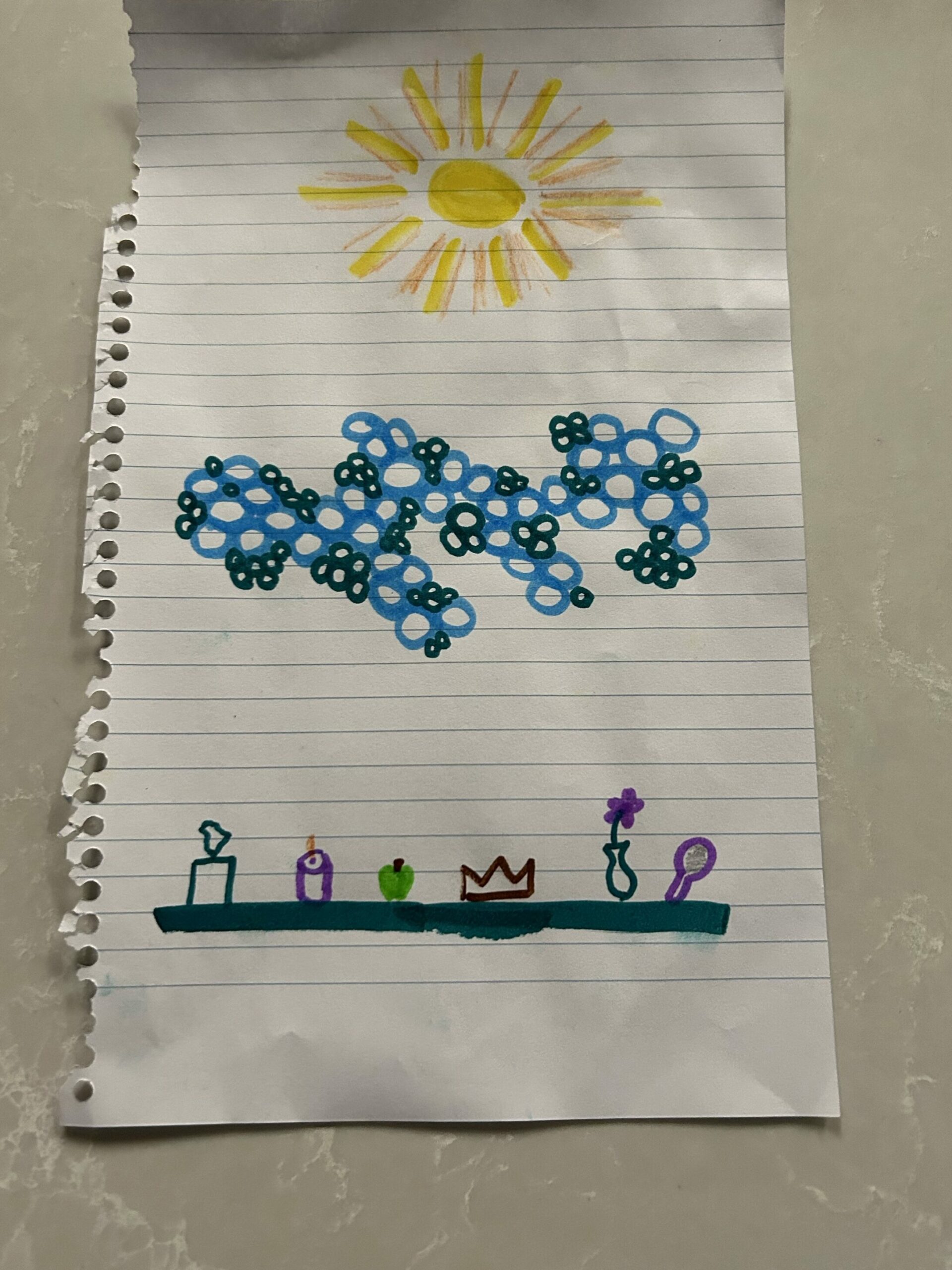
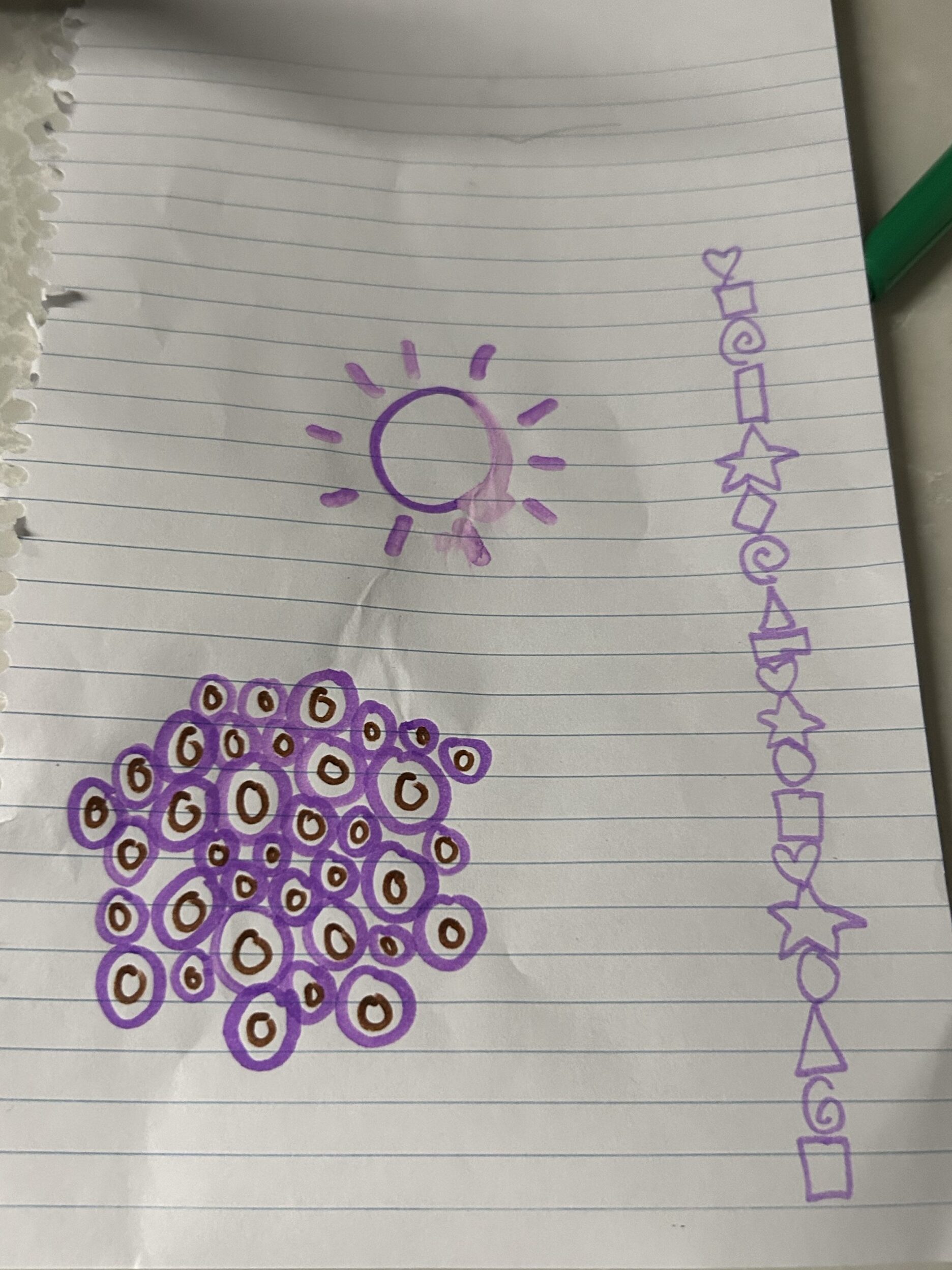
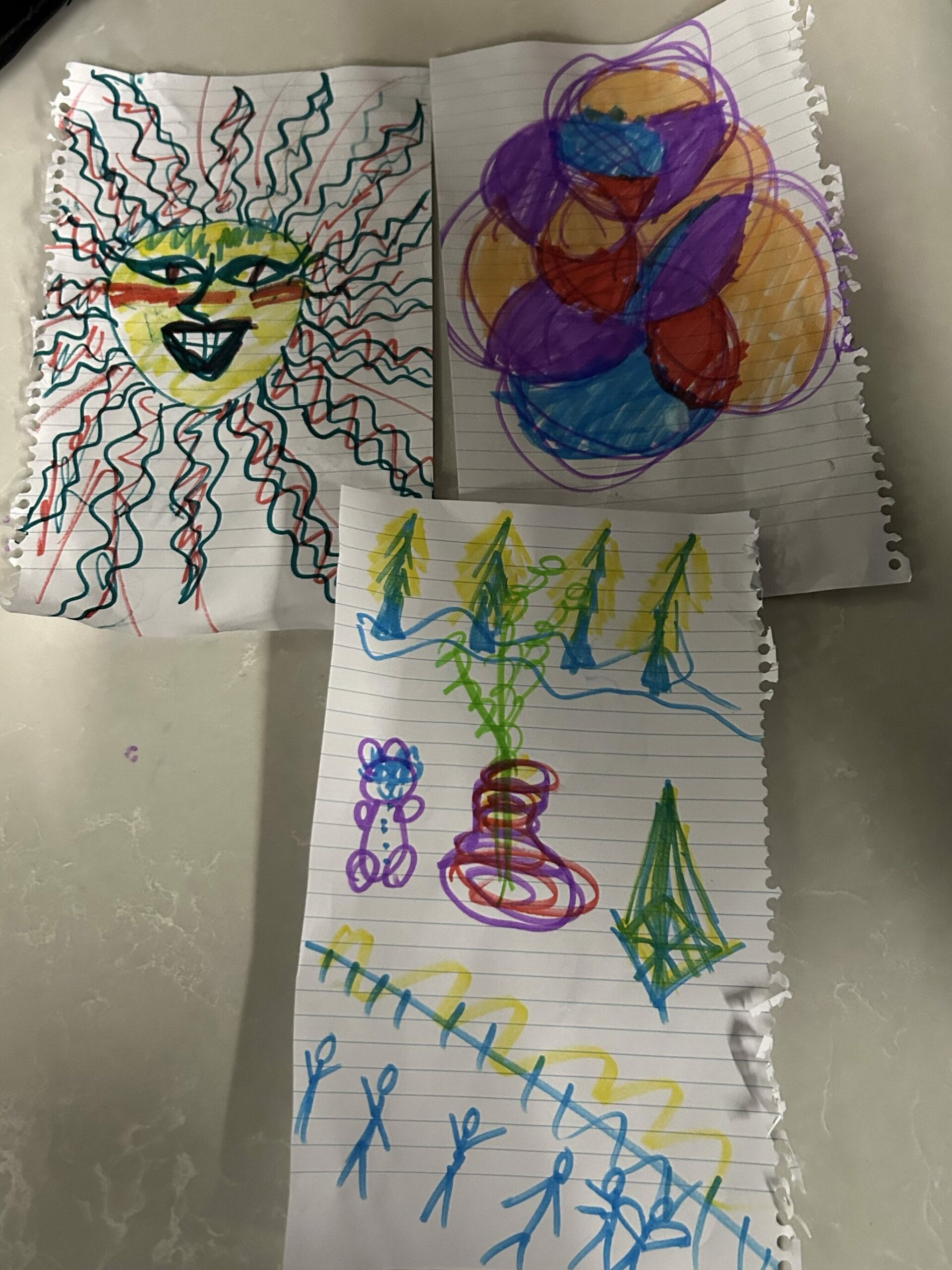
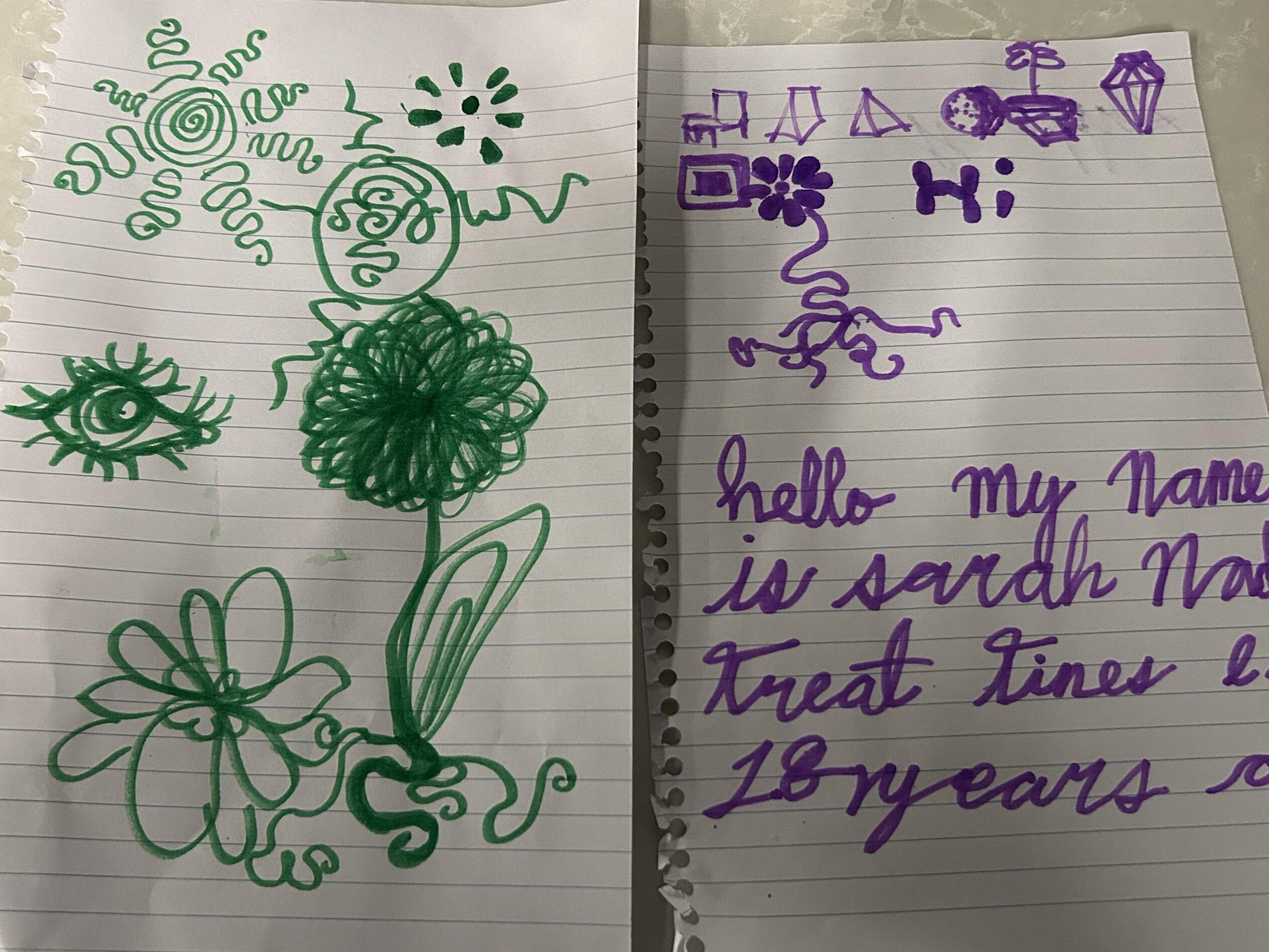
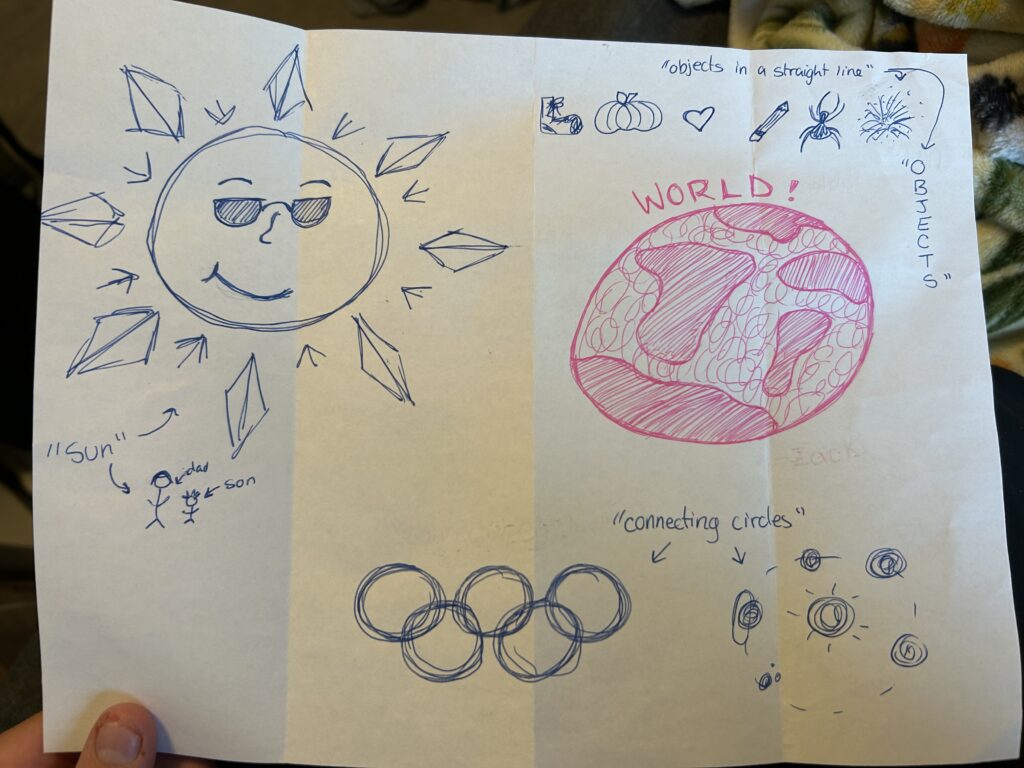
I ran this with a group of my friends as well as watched and participated in it being run in a classroom. The first prompt was the word “SUN”, the second prompt was “CONNECTING CIRCLES”, and the third prompt was “OBJECTS IN A LINE”. As you can tell, the descriptions are very vague in design, and the results are always super fascinating and somewhat unexpected.

I have attached 4 of my friend’s perspective drawings as well as my own from when I participated in it as a learner to demonstrate how unique they can turn out.

The “CONNECTING CIRCLES” prompt produced some of my favourite differences with my friends’ drawings: two that looked kind of biology-esc, one who turned the circles into flower petals, a large abstract and colourful depiction, and mine that were the Olympic rings and a solar system.

This is a great activity to use to merge subjects and use a simple idea to broach a more complex topic. My classroom teacher used this activity to introduce a discussion about politics and the different parties in the government during a Social Studies unit. For example, the first two drawings that look sciency are similar but still unique from each other, just like those who all support the Green Party (random choice of political party) are going to have similar ideals, but people will still differ from each other slightly. It makes kids understand how each person is different while respecting and celebrating the unique designs. Rather than compare whose was better, they were excited to see how each person’s mind worked differently and elevate it. If there is ever a lesson that the students are not understanding or are getting mixed up and frustrated, you could easily pull this out for a 5-minute activity to change up the parts of your brain that are being used and use it as a reminder that everyone’s brains work differently. Just pick a word that is somewhat connected to what you are learning and go from there!

I love this activity because it gets kids to come out of their shells a little more as well. Initially, they are assured that they have complete control and that nothing they can do would be incorrect/wrong. I witnessed the quiet, shy kids holding up their work and inspecting others. Kids who would not normally get along had nothing negative to throw at each other because there were no limitations, and their curiosity took over rather than fight or flight. For whatever reason people are super interested in both the results and the process of this art activity and seem to respond really well to it. I can’t wait to try this again in the future and see if my own curiosity and intrigue stay the same or if it diminishes over time.

I hope that, as a reader, you found this moderately interesting or were even potentially inspired to try it with friends or family. I thank you for reading and shall bid you adieu for now,

-Kristen

Free Inquiry: ARTS (#1)

For my free inquiry project, I was having a hard time deciding on a single focus, but I knew I wanted to do something that would give me a productive artsy outlet that I have been missing since my sculpture art education course ended last semester. So, I have decided to do a mix of multiple mini-projects that are fun, low-stress, and unique to prod at the age-old question of “What actually is art?”.

I love getting to learn and play with new topics of art, whether that be the variations of sculpture, digital design, simple drawing and painting, or the art of cake decorating. I am also excited to evaluate my mini projects throughout this term for their use or adaptation to use in a classroom setting.

My rough plan for this inquiry is to try and do one new mini-project every week (or occasionally 2 weeks) and present the latest mini-project along with a write-up that will include things such as why I chose the project, what technologies I used or tried to use, what materials I used, how the project went (what was hard, easy, had to be changed), if the project can be used as a classroom lesson (can it be adapted, how long did it take, are the materials cheap and accessible, can it be connected to a lesson of a different subject), and whatever questions pop up throughout the process. I plan to do an array of mini-projects that utilize a variety of different types of technology, such as screencasting, photos, guided online drawing tutorials, project-specific tools that can be classified as technology, the use of a ‘tech free’ approach and more.

A few of my ideas for potential mini projects include card/postcard making with either scrapbooking or watercolour, nature art using paint/leaves/crayons, drawing (art for kids hub), origami, sculpture, cake decorating, Canva design and whatever else sparks my creativity. I anticipate that some of the mini projects will take more time than others, like sculpture, so I will adapt as I go when it comes to timing.

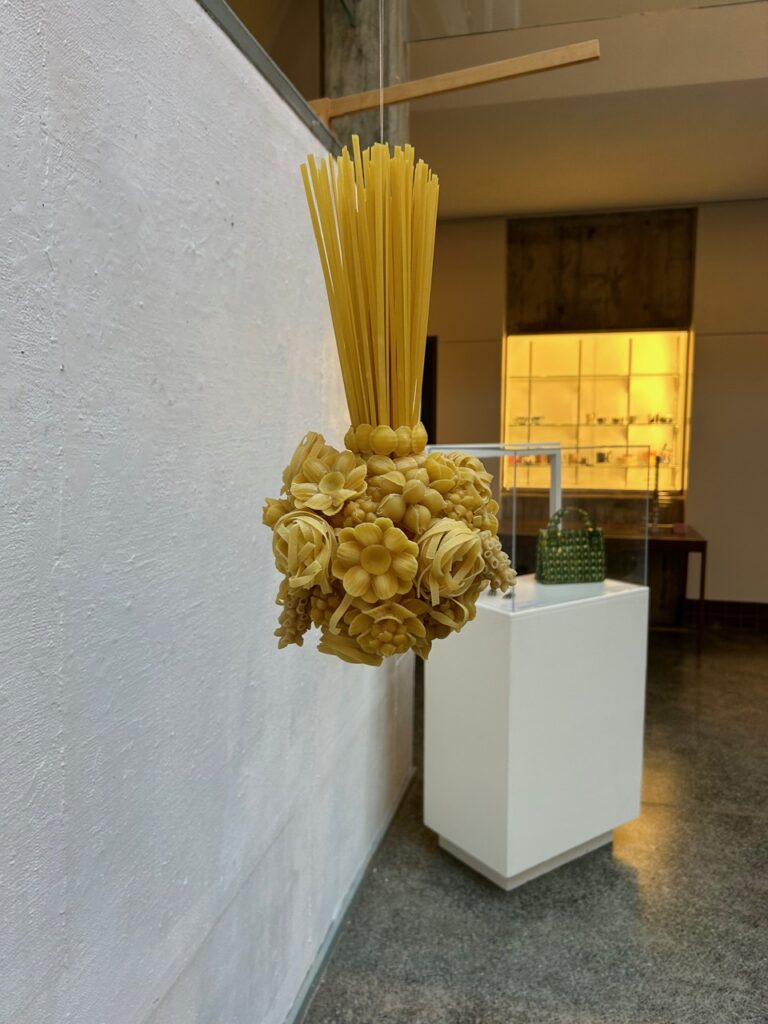
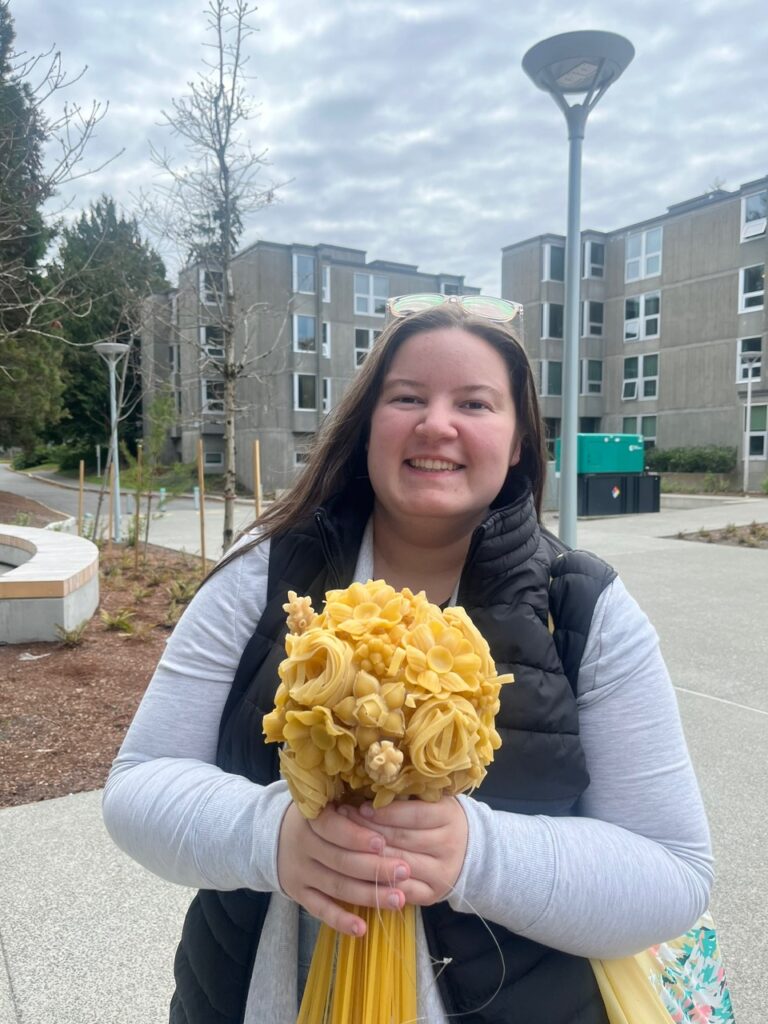
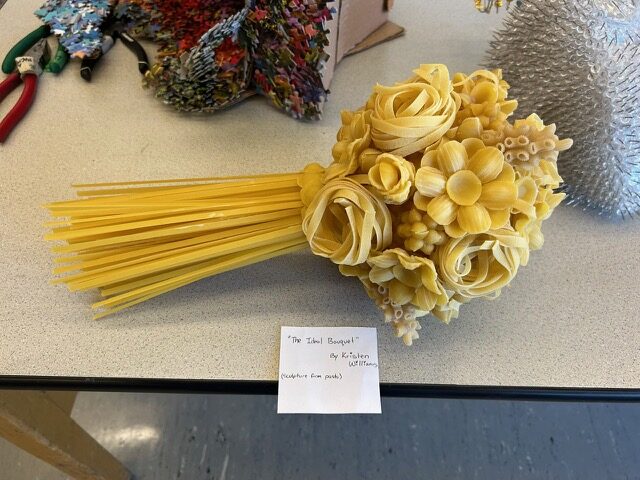
As a send-off, I wanted to include a few pictures of one of the sculptures I made in my sculpture class last year. It is undoubtedly one of the best things I have ever created, and I am super proud of it! It is called “The Ideal Bouquet,” and although kind of odd, it does have a story and symbolism that goes along with it that I would be happy to share and answer questions if there is interest.

Ta Ta for now,

-Kristen

Multi-Media Videos -Topic 3

This week in Tech we learned how to screen record with audio and how to make a simple video interactive in a multitude of ways. For my screen recording teaching video, I demonstrated how to make a simple poster on Canva. It was very interesting to learn how to record a video of my screen, and I am honestly excited to be able to use it in different ways to aid student understanding and learning. When it came to making a video interactive, I was surprised that this was even possible because, in my mind, a video is just a recording and not able to be interacted with beyond maybe sound quality, brightness and length editing. Below I have added my first ever interactive screen recorded video! I hope you enjoy because I sure did making it. : )

I also have a link here that you can follow to get to Canva to start designing.

Canva Free

As for the topics of discussion this week I am going to touch on the questions wondering if including H5P tools could potentially be a useful tool at the grade level I hope to teach (or not), and how Multi-media Learning Theory can help create more effective instructional videos and tutorials.

When it comes to deciding on which grade I would like to teach I am admittedly still up in the air a little but for my Link2Practice I am in a grade 5 class so I will use that as my grade level reference. I strongly believe that the H5P tools would be perfect to use in videos for my grade 5 class because there are a few kids who, like myself, have a shorter attention span when listening to long educational videos that do not pertain to their interests. But if there was an interactive part where the class could guess the correct answer out of 4 options or if a question is true or false, they would likely be far more attentive (I know I would). They would get to be a part of the video and interact in a way that is more memorable than a person droning on and on. Rather than being told to pay attention because they will have to individually answer questions after, they get to answer questions in a group and get a collective excitement if they get the answer right and if they get it wrong, increased anticipation for the next question to win/beat the system collectively.

As for the use of Multi-Media Learning Theory, I again strongly believe that it significantly benefits learners in elementary and up. When there are too many things going on in a PowerPoint-like presentation or video, kids’ attention spans can drift from the main points of the demonstration to less vital details like a presenter’s face. As we talked about in class, we are drawn to faces, and kids are no exception, so having a camera on during the presentation could mean they are not retaining the information that prompted the presentation in the first place; the same goes for too many graphics/pictures especially if they are irrelevant to the topic. On the other side of this theoretical coin, there is also an issue with there not being enough additional stimulation to help kids draw connections between what they are listening to/reading. If you have a page of just text or if you are speaking with no additional visuals, the kids are less likely to remember what was being taught because it can start to blend together. So, to combat this, we must include relevant visual aids like pictures, gifs, or short video clips that can be mixed in with pages of blocky text or long drawn-out spiels. Kids are also well known to not all learn and absorb information in the same way, so to include multiple different types of media for the same presentation is also, at its simplest, a form of inclusion that should be applied in every presentation.

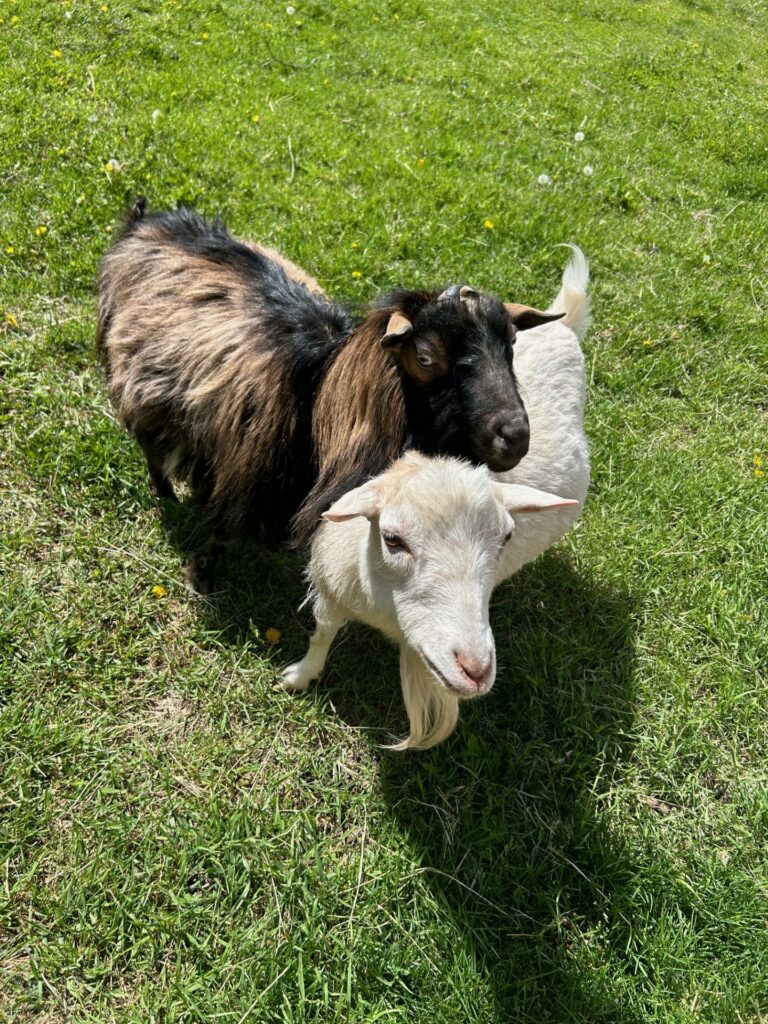
(See the pics below as an example of non-relevant pictures that, although beautiful, do not connect to what I have been talking about.)

The first pic is from a beach in my hometown at sunset, and the second pic is of two of the five goats that were my coworkers over the summer (Albert is the white one, Frank is the darker one, and they are besties). I took both photos myself! : )

Until next week,

-Kristen

Weekly Reflection #1 (zoom): Topic 2

Q: Do we need to re-imagine education?

I believe that education is constantly evolving, and continued imagination is key to beneficial improvement to the curriculum. There are things in the current education system that can be used as a foundation but adapting to the changing times and needs of students is very important. For example the students that are growing up with the current level of technology in the world and the classroom need to be taught differently than I was and those before me who had much different levels and appreciations of technology within classrooms.

Q: What obstacles do educators often face when they try to change pedagogy?

One obstacle to changing pedagogy is doing it alone. If one teacher or school changes its educational structures too drastically, it risks not fully preparing its students for higher educational structures, like universities, that still use the old structures. Another challenge educators could face is the pushback from parents not fully trusting that their children are going to be fully prepared for the future. Similar to the parent in the “Most Likely To Succeed” video, some parents believe that since they were taught using this system, it is good enough for their kids, or it scares them because it is so different than anything they know or are used to.

Q: What concerns or excites you about this approach?

One thing that excites me about this approach and hopeful change is that there is so much we can continue to learn and improve for the students to come! I am excited to see where education pedagogy goes in the future and what new adventures it holds for us!

This is a picture I took myself of the monkey tail tree on campus.

Newer posts »