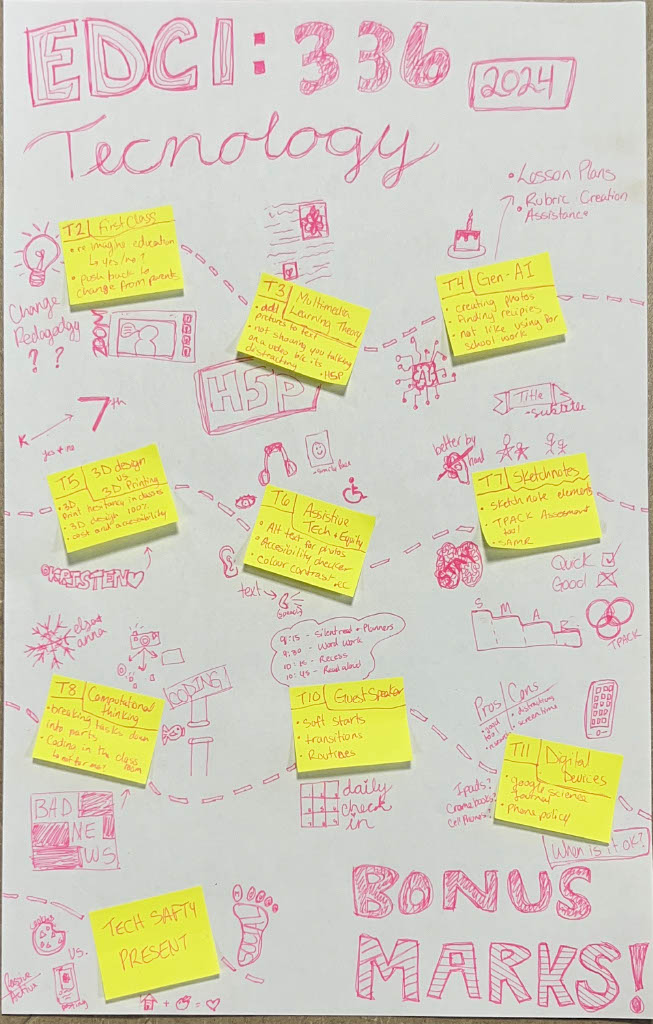
In class today, we talked about the use of phones in schools, the new ban on phones in schools and a science journal that integrates tech into the classroom in an interesting way.
PROS
Good tools for research
They act as accessibility tools for students who need it
Kids can access learning independently through designated games/apps
They can add to lessons and give a better learning experience
.
CONS
Hard to regulate
Can easily be misused and turn into a distraction
Too much screen time for students
Potential exposure to harmful content and privacy risks
The science journal is a really cool tool for teaching and learning about science. I think it would be great to use it in my L2P classroom, but the fact that we only have 5 iPads for our class of 24 students may pose a problem.
.
As the Backstreet Boys like to say, “Bye, Bye, Bye”,
This is my final sketch notes reflection on our EDCI 336 class. It was a great class where I learned so much. It made me excited to incorporate tech into my own classroom. Below I have added a picture of my sketch note reflection.
(One thing I like about using technology over paper is spell check as you will notice quite quickly)
You are able to use this as an example as long as you don’t mind the spelling error : )
When it comes to digital accessibility, I believe there are things that can get left out or forgotten about. I will admit that I often forget to add in different accessibility tools. That is to say that I never do it purposely. Usually, it happens because I either do not know about it or I do not know how to do it, but occasionally I do forget to include it altogether. For instance, in class we learned more about Alt text which I had previously not known about and had such not included it. I also had problems including it because I could not remember how to do it. But since I have learnt and grasped the new accessibility feature I do my very best to make my website and my internet usage as accessible as possible.
I think that one of the reasons that digital accessibility tools aren’t more common and well known is because a lot of people do not realize they are necessary. The majority of people are privileged to be able to access the internet with relative ease and because they do not struggle and might not have someone close to them that needs accessibility features, they do not recognize the importance and need. People may also perceive it as a hassle to add additional features to everything they create. This is not a good outlook to have as everyone deserves to have access the same information and accessibility features like Alt text balance the playing field and promote equity.
I choose this picture because I am a Christmas girl at heart all year round, plus I love a fruity festive mocktail around the holidays! (Alt text included)
.
This is a video I recorded in our first in-person class so I apologize for the poor quality but it is a good demonstration of the use of subtitles, which are a fantastic accessibility tool.
Another great way to add accessibility features to videos is by adding H5P features to your videos to make them interactive and more accessible. If you would like to checkout H5P (which I would highly recommend) click the link below to sign up.
Wow! This has been an adventure, there has been great success as well as bumps in the road but I would not want to change that process.
It started with the introduction to the arts inquiry where I listed a few ideas for each week’s mini project. I also included a very long list of topics that I thought I would cover in the write-up aspect of each post. I found within a few weeks that answering all of the questions I had listed was not realistic so I adapted and tried to hit a few of them each time but not all in every post.
(#2) Perspective Drawings was an activity that I found in my L2P class and I immediately fell in love with it. The activity itself is incredibly simple and does not require many materials but it can be used in so many ways. It can be used to talk about diversity, culture, understanding differences, political electoral parties, and so much more. This is one thing that I can see sticking with me throughout my career and I am very excited to get to run through it with my own class one day.
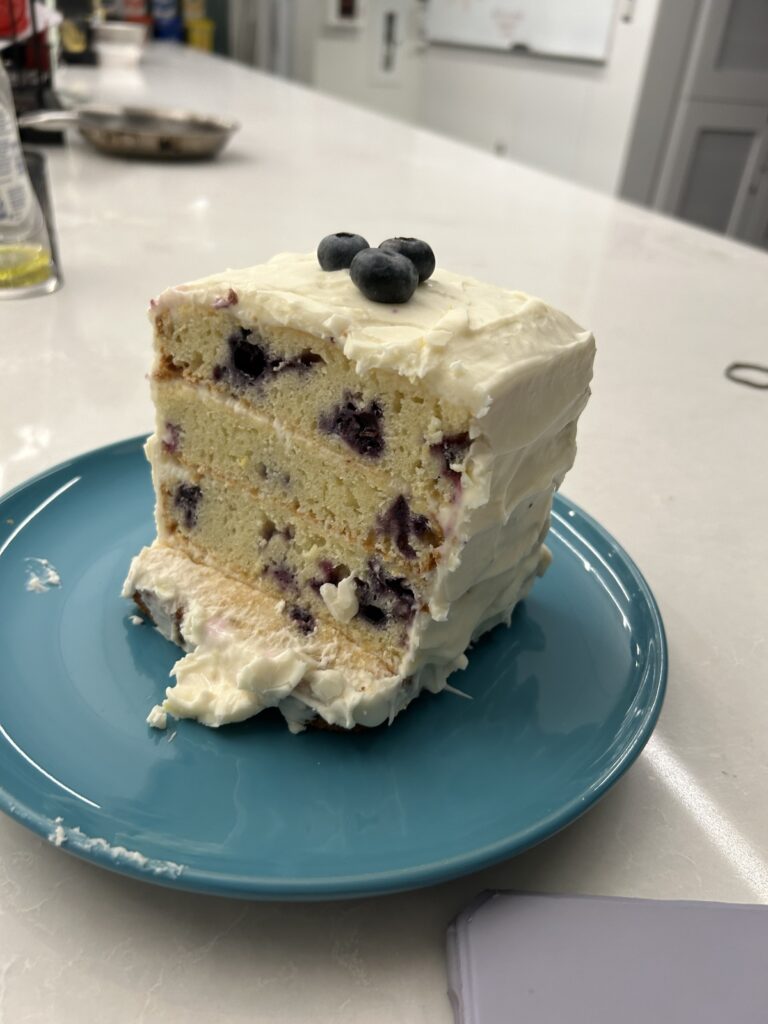
(#3) The Art of Cake Decorating was definitely not the smoothest or easiest project. It did not turn out the way I was hoping, but I still inadvertently learned quite a bit, like don’t freeze your cake before icing it, don’t use thick and heavy cake without a thick icing that will hold its shape, shape the cake layers before you start icing, and last but not least CAKE DECORATING IS NOT AS EASY AS IT LOOKS. Even with all these bumps in the road, the process was fun, and I will pat myself on the back for the fact that, although ugly, that cake tasted delicious!
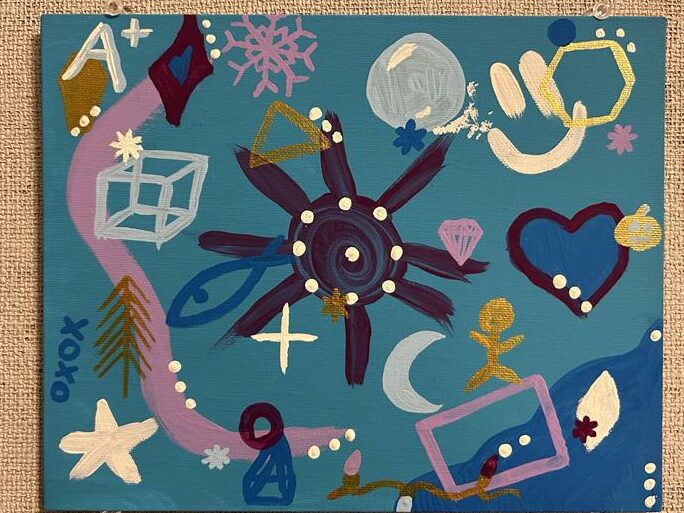
(#4) I Don’t Know What To Do Paintings were inspired partly by the fact that I was doing a lot of random painting events around the time of this post, and I genuinely did not know what to paint. The other aspect behind this topic was me saying, “I don’t know what to do for this blog post.” To be honest, I made this topic up on the spot and ran with it, and I am glad I did. There are a few aspects from this post that I do think would make a great art project and teaching lesson. That being the random things/eye spy painting. I think that it would be great to teach kids that when you don’t know what to do, you just have to start and continue until something strikes inspiration; plus they get a fun eye spy game they can take home.
(#5) Art For Kids Hub is genuinely one of the best and one of my favourite art resources that I couldn’t recommend highly enough! It is great for all ages, easily accessible, and the kids love it. This post was definitely one of the shortest ones, but I believe it is fine because the topic mostly speaks for itself. It was also my favorite one to do because it meant I got to set aside time to do a few drawings myself which is something I do not usually have time for.
(#6) Origami is a topic that can be tricky for kids, especially when they are expecting their first try to look like yours, who has been doing it for years, but it is still worthwhile, in my opinion. It teaches perseverance and strongly emphasizes listening closely and following instructions. I also find that for myself, doing origami serves as a fidget, just like a squishy ball or a sensory toy. Once I have learned how to make something and have memorized the steps I do not always have to look at what I’m doing to make my creation. It is a way to keep my hands busy and my mind free when sitting and listening to a lecture or when I am stressed out; plus, you get a fun little animal or object when you are finished. I hope by teaching origami to students, some of them will also use it as a tool to calm down or demonstrate productive fidgeting.
(#7) Card Making on Canva was a fun project that ended up being adapted from my original plan, which was physical card making with scrapbooking and watercolour elements. I found that I didn’t possess the resources/materials or time that I would have wanted/needed to dedicate to this as a physical project. So I turned to technology, and I am glad I did because this was a fun, calming project to do amongst all the assignments due and coming due soon. Another cool thing I realized when designing the cards is that I could still incorporate watercolour and scrapbook aesthetics due to Canva’s vast design options. This would also be so fun to do with students, provided you have a Canva account and the technology to run it.
.
I also wanted to attach a few of my favourite pictures that I took during this project below.
.
It was so nice to have y’all on this art adventure, I hope you got something out of it, because I sure did!
A final art farewell, or at least until we meet again,
Canva is a great tool that can be used in many ways. For this art activity, I have used it to design cards.
I typically make my cards from a blank flyer format page and add in the rectangle border and center line but I believe there is also a specific card making template to use if you don’t want to have to fiddle with it too much.
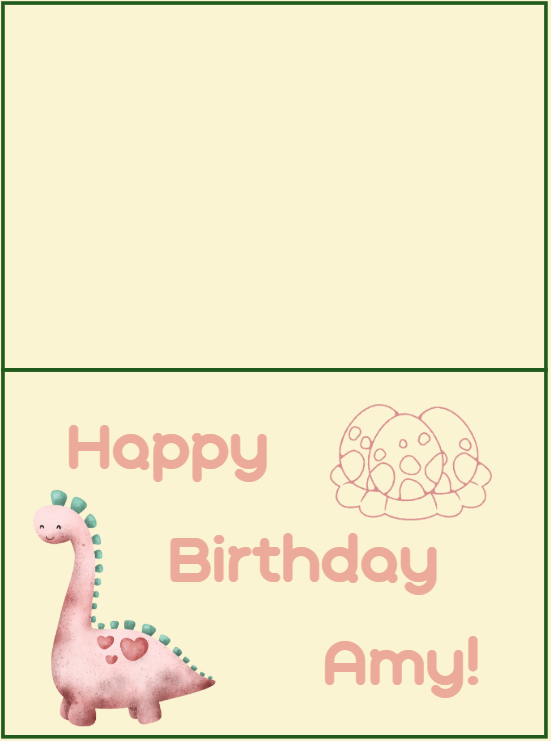
———————————————BIRTHDAY———————————————–
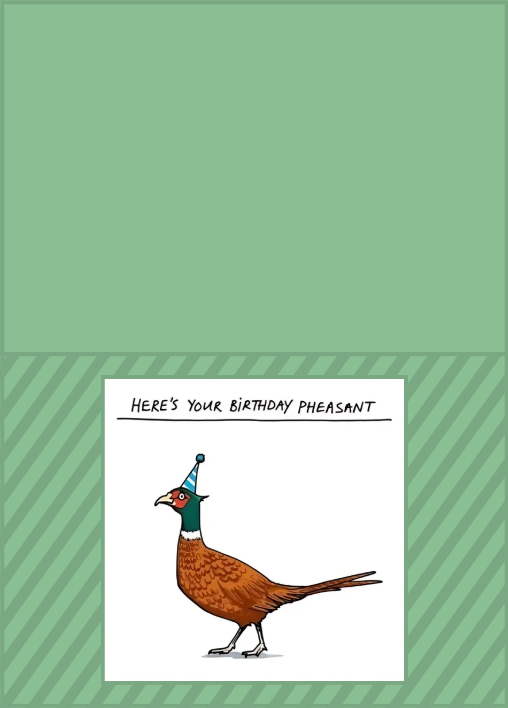
I made this card for a friends birthday.
.
This one was for my cousin’s daughter’s 3rd birthday that was dino-themed.
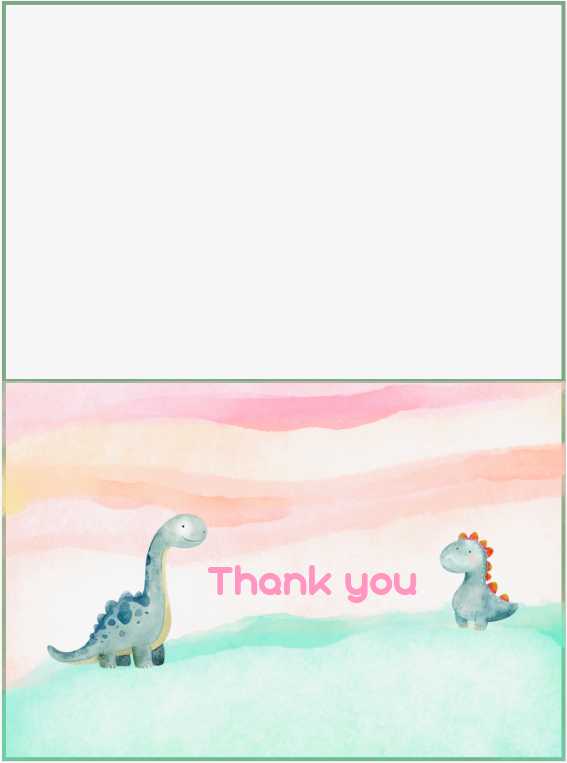
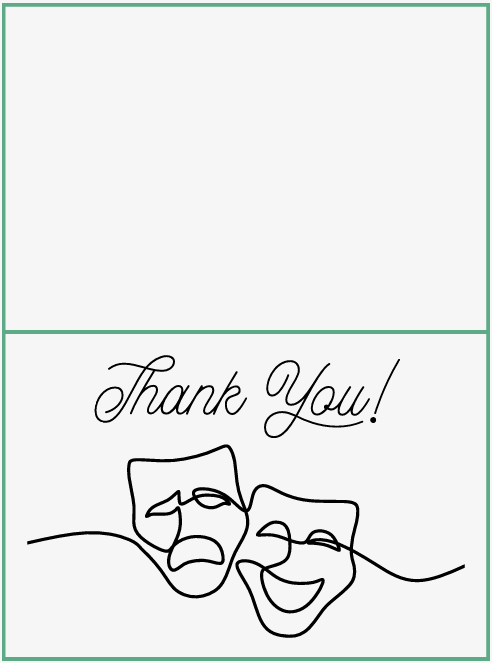
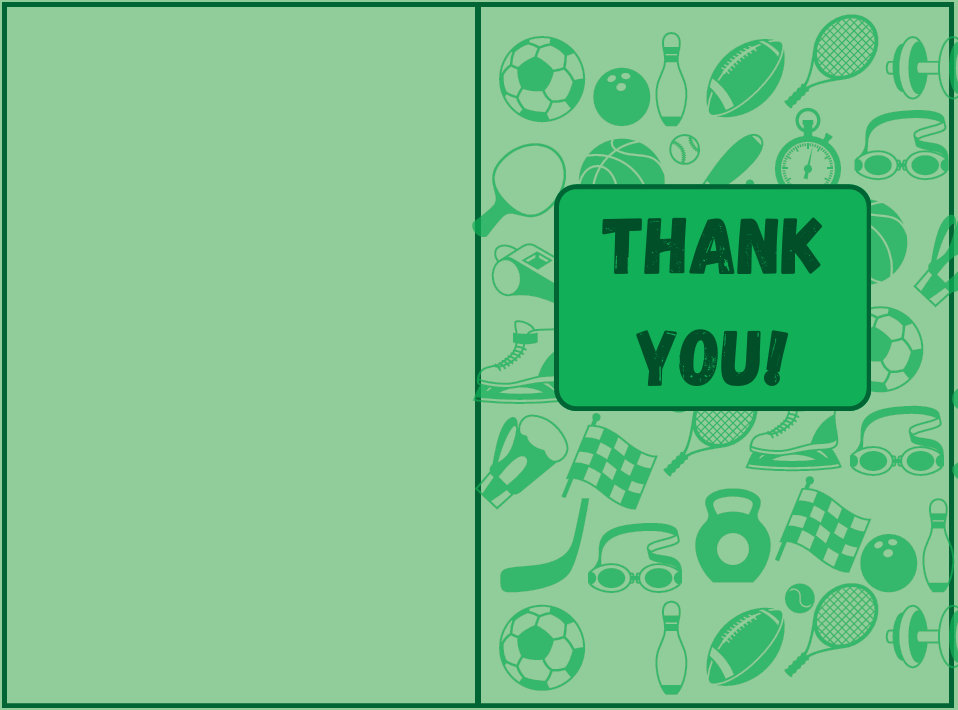
—————————————— THANK YOU ——————————————–
Again we have dinos, but this one was for a friend (in her 20s) who helped me with a home project.
.
I made this one for a teacher and her class who had invited myself and some of my coworkers in to run a drama/puppet activity with the class.
.
This one was for a sports and rec program leader I worked with back home over the summer.
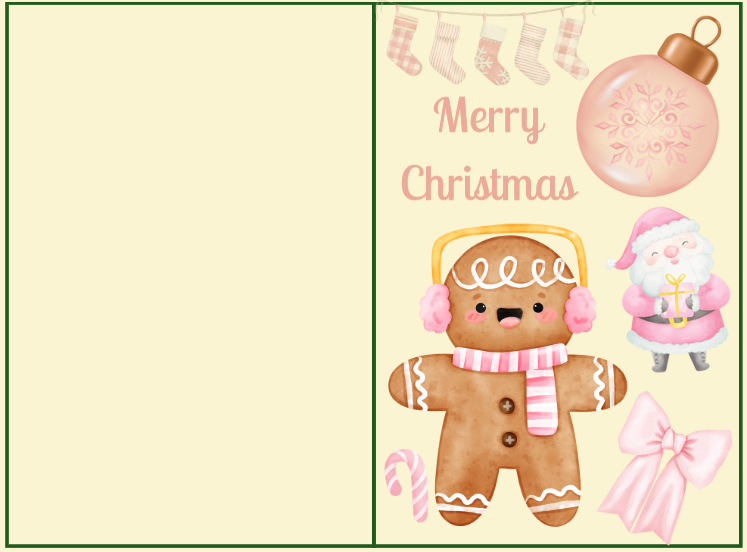
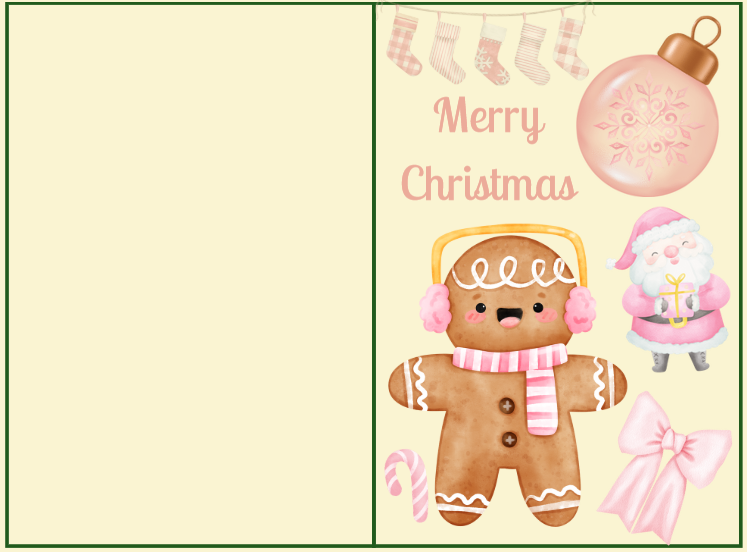
————————————– MERRY CHRISTMAS————————————–
I screen recorded myself making this next card. It took me a little over 10 minutes but I have slightly shortened it, still I do recommend watching at 1.5 or 2 speed because its still kind of long.
The final product!
Admittedly making vertical cards can be tricky the way I did it and involves a lot of dramatic head turning but it still ends up pretty nice.
.
This is a great activity to introduce to students because it gets them thinking about art in a digital format but it is still very easy to understand and accessible. You could very easily have the kids design a card or poster and print them out as a fun memento. You could run this as a 15 minute activity or as long as you want because there is so much fun stuff on Canva that it could keep the students invested for an extended period of time.
I hope you found this interesting and give Canva designing a go!
For our project, we covered primary aspects of internet safety for students and how teachers can effectively teach it. We have included some helpful resources. We collaboratively made a Google Slide document and recorded our presentation on Zoom. We chose not to show our faces when recording because, as we learned in a previous class, it can distract from the material.
My group consisted of myself, Naomi, Charlie and Kieran.
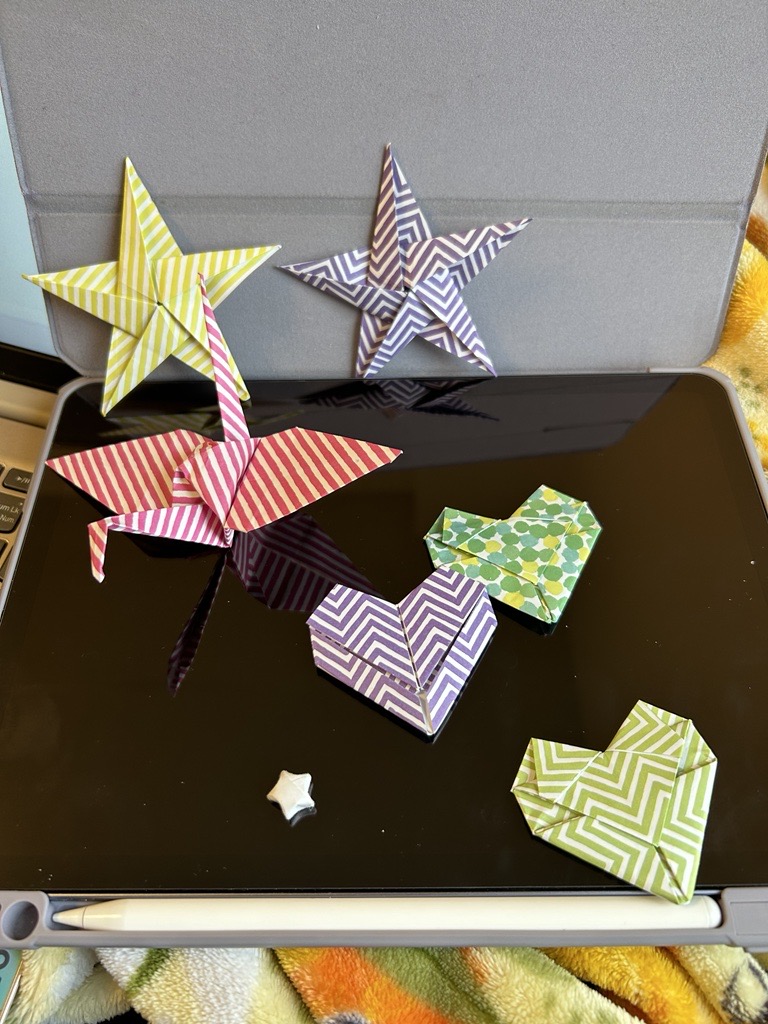
Origami is one of my favourite art forms because you can take a single piece of paper and transform it into something unexpected. Such simple tools and technology can create wonder in those around you. Origami is also a great project for students because it can enhance listening and attention skills, and the students get the chance to learn a fun new skill that they can use as a party trick of sorts with their friends. I have added a few of my go-to easy origami projects below as well as when and why I first learned them.
I have always found origami interesting, but the main hook that started me making it and growing my confidence was when I learned the paper crane. Funny enough I learned how to make paper cranes from my grade 12 Calculus teacher in high school. One day, when I was in his classroom catching up on some work, he was reminiscing about when he used to know how to make paper cranes. I was interested and asked if he could teach me how, and although he was rusty, we figured it out right then. It was such a fun moment and it spurred me on to continue making them throughout the year until his classroom was filled with them.
.
The second origami piece I wanted to include is a simple 5-point star. This one admittedly needs one more tool than just paper, and that is a pair of scissors to cut off some excess paper. I learned this one when I was in my first year of Uni. At the time, I was overwhelmed by being away from home for the first time and all the new coursework, so I googled simple origami, and this one popped up. I found it to be fun and easy, as well as a distraction from all the first-year stress. I made many of these stars that year and would stick them to the front of my door colour-coded for whichever holiday was near.
.
This specific paper heart is currently one of my top two favourite origami. I have been making a lot of these lately and stringing them on yarn to turn them into a garland. The first time I ever made one of these hearts was actually not from a video, but rather, I learned it during class from my ASL professor last year. During the class we were learning and working on following directions visually by hand movements and gestures rather than signing specific words and this was one of the activities that our prof brought in to teach us. It was a little bit tricky at times, but it was also the most fun lesson/class that I have ever had at university.
.
Finally, the lucky stars. I have always been interested in these, and I remember when I was younger, trying to make them and never quite getting them right. I only recently just picked up on these again, and now, as an adult, I find them significantly easier. I started making these a few weeks ago when I was with my L2P class. There was one student who was not feeling well and was having a pretty bad day, so I tried to distract her by offering to teach her some origami. She asked if I knew how to make these stars, and at the time, I did not remember, but I decided to look it up and figure it out so I could teach her. She was so happy when I was able to show her and make them with her, even though she occasionally needed help finishing them off. Since then, I have been making them pretty frequently and randomly giving them to friends and coworkers so I don’t have so many.
.
I also know how to make a pretty cool dragon that is quite a bit trickier. A friend taught it to me last year, and I couldn’t find a good video to add but it is included in the picture below of examples of some of my origami creations.
.
I hope you give one of these a try if you are interested,
Today we had a guest speaker who spoke to us about classroom management tools. I have listed a few of the tools below that she discussed below.
Soft Starts and Transitions
Soft starts are a great way to begin the day for both the students and the teacher, it provides a time to acclimate to the classroom and prepare themselves for the day. I have seen a variety of classrooms using and not using soft starts and I believe they are great to use across all grades, provided that you have a dedicated strategy that works for your students. Transitions are something that almost all students struggle with and having routines that are set in place early are vital for student self regulation as well as keeping the class calm throughout the day.
.
Routines and Expectations
Routines are great for students to know what to expect and reduce anxiety caused by the unexpected. The students will pick up on the expectations of the class and hopefully be able to adjust themselves accordingly. For example, having the day schedule posed somewhere up in the classroom is great for student, while also being very beneficial for any support staff that come in to support or take students for one-on-one help. Expectations are also important to set at the beginning of the year and continue to reinforce throughout. Having a posted ‘class rules’ sheet is a good reminder for students, especially towards the end of the year when the student get the holiday crazies. This also helps create equity in the classroom so students who need the extra hand in remembering what to do throughout the day or students with additional needs have the ability to understand what is next.
.
Modelling
Using strategies similar to “I do, we do, you do” teachers can model the example they have created. It is a strong advantage to students’ learning to have examples of what is expected by the teacher; through modelling from the teacher or examples of past student work, this can be achieved. If handled incorrectly, the use of past students’ work can pose a privacy issue, but taking simple precautions, such as securing consent to use the work and erasing the names, can reduce/eliminate the issue. I found that I personally learned and produced better work when I had something that I could scale my own work against. I always found that when I was not sure what was considered A work or B work or C work, I tended to do worse than if I knew what I was working towards. I find this to be similar with students I have worked with over the past few years when I was an LSW (learning support worker) and this year with students in my grade 5 L2P class.
.
Digital portfolios and alternatives to report card
Digital portfolios are something that is new to me but super interesting. The example that was given was FreshGrade. I would love to continue to learn about this new type of evaluation because it is so different compared to the traditional grading and report system. I have heard about how fantastic FreshGrade is from Brittany and how it can be great for parents to stay in tune with their kids’ learning/education. Still, I have also spoken to educators who are not convinced of its greatness and are opposed to the new technology. As a new teacher still learning about different types of evaluating and reporting, I am definitely intrigued by FreshGrade. From what I have gathered so far, some of the benefits are an increased connectedness between student progress and parent involvement and a fuller overview of the students learning. As for drawbacks, the workload on the teacher could increase if they constantly have to take and upload photos to the sight. Additionally, taking photos and being on devices takes the teachers’ time away from assisting students and promotes a phone-focused grading system when schools are trying to lean away from student phone use. Whether systems like FreshGrade catch on in a larger scale or stay small is still to be seen, and I look forward to seeing where it leads.
During class today, we discussed computational thinking. I believe that computational thinking can definitely help students become better problem solvers. Problem-solving and computational thinking alike are about breaking down a problem or situation into smaller, more manageable pieces. Then, you can look at each individual piece, figure out how it works and start combining them together until you have solved the problem or made the situation functional once more. This is important for students because it helps them learn to work things through independently rather than being shown the way. Computational thinking can be put to use in all types of subjects, such as math, where you might be breaking a large number down so you can add, subtract or multiply it easier to get to the solution. In science, you have to break down the steps of an experiment to make sure it goes correctly (or figure out why it didn’t go the way it was supposed to). In language arts, breaking down the story into pieces and evaluating them to determine the overall theme, as well as the climbing action climax, falling action, and denouement. As has been demonstrated, computational thinking is advantageous across all subjects, and having the skill of problem-solving will set students up to do well in both middle/high school as well as in the working world when having to interact with people and unexpected problems regularly.
.
Once again, I have come up against something that I am not super familiar with, and although I find it interesting, I am not sure how comfortable I would be teaching something like coding. I do believe that coding has a place in education as it can be used in many ways and teach useful skills, but I personally do not understand it enough to feel ok teaching it, and unfortunately, I will admit I do not have a huge interest in becoming proficient in it. However, when we zoom out a little bit from coding and look at gamification, I am far more intrigued by the possibilities. Gameplay can be used in many ways, and in particular, it can be used to trick students into learning about the stuff they do not want to learn. Games can hold their interest in learning for longer than simply reading out of a textbook. I wish that when I was in school, we had the option to occasionally do math games or read/listen to an audiobook because I would have personally paid far more attention to subjects like social studies if it was a hands-on or a game version of what we were learning. Learning through games is also a great UDL tool for students who are new to English, struggling with reading or writing, or just need a new way to look at education.
.
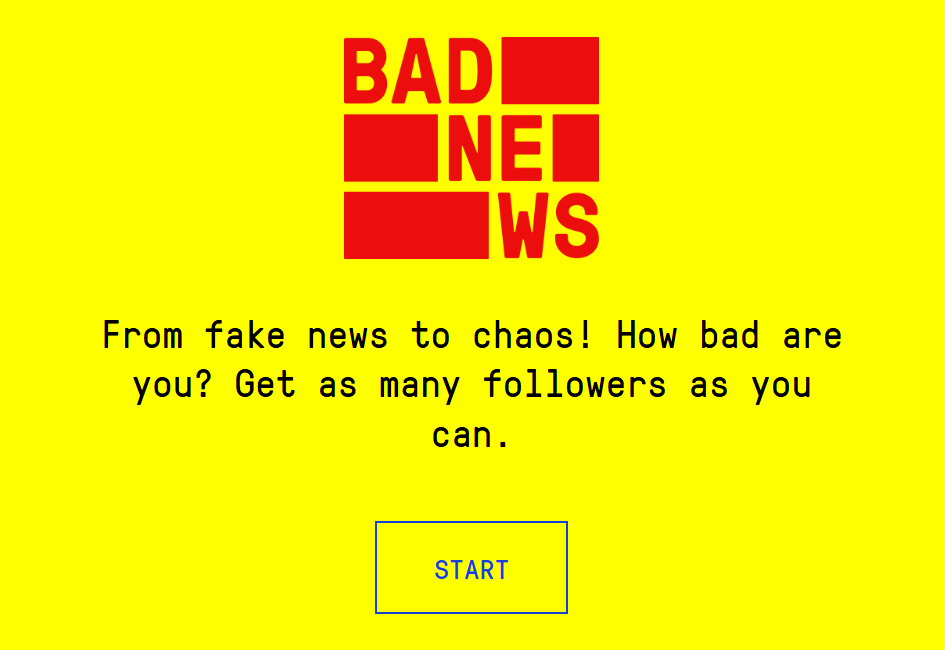
I have included the Flappy Bird game that I have coded below as well as a link to a fake news game that is great at teaching the dangers of social media and the thinks to look out for when using social media.
This week’s post is a SUPER fun and easy art lesson/activity that you can do with students of any age group from K onwards. This is ART for Kids Hub!
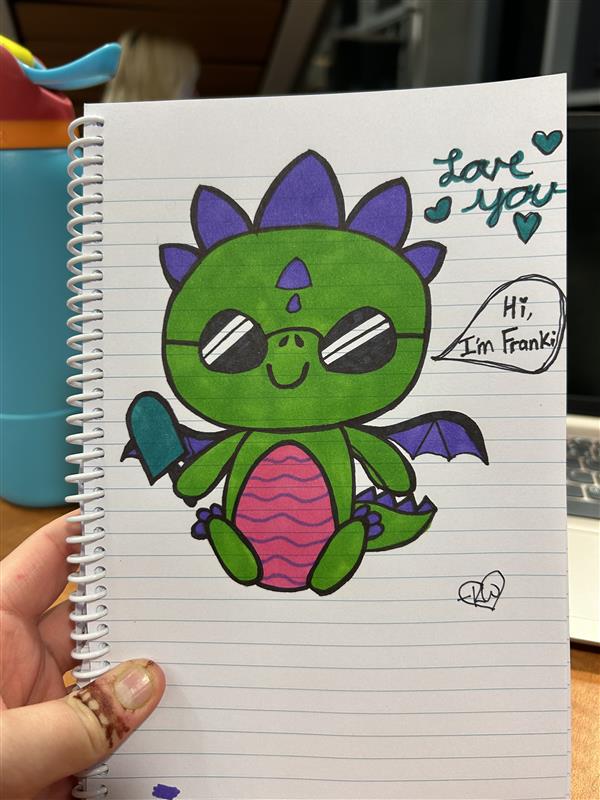
I have known about and used these videos for YEARS. They consist of fantastic step-by-step instructions, with a dad teaching and explaining the steps of how to draw something to one of his kids who is sitting beside him. The directions are very simple and clear, and you get to watch both the dad and the kid draw each step. The videos are perfect for teaching a class because you can pause if your class needs time to catch up, and they are typically 10 minutes or less in length. There are so many different videos that you can find something that interests each student, even your pickiest/most challenging ones. Below, I have added two examples of things that I have drawn from watching ART for Kids Hub.
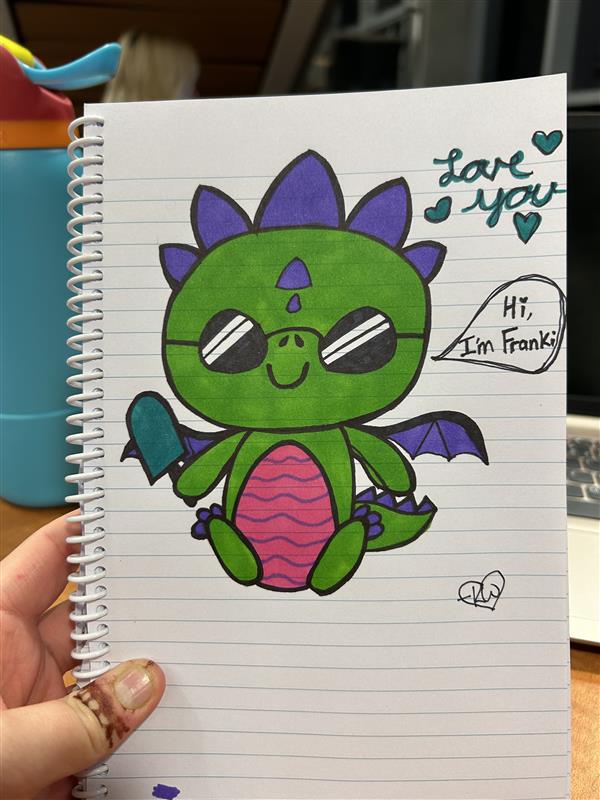
I chose this particular video as a demonstration because my mom is a teacher at an elementary school in my hometown, where the mascot is a dragon. Because of this, my mom collects dragons, which I think is really cute and I thought I’d add to it from afar.
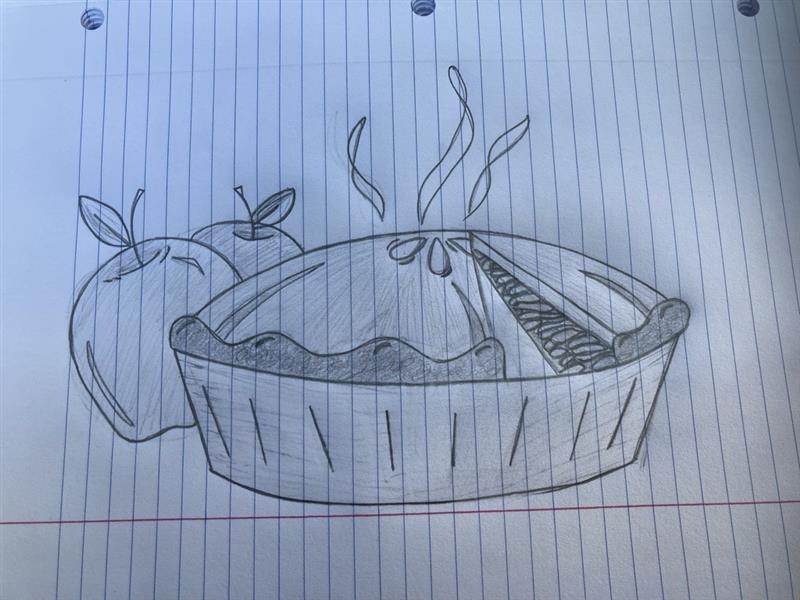
Two years ago, I drew this for a teacher back home that I worked with. He was missing my baking, specifically my apple pies. After sending this to him, I could finally claim that I made him the apple pie he wanted.
I will also link the ART for Kids Hub website for you all to check out because it truly is wonderful! I hope you find inspiration to try out an art video for yourself! They are easy, fun, and perfect for all ages!
.
I’m off to draw another picture, and I hope you are too…